Tracking a vehicle inspection deadline in Georgia is more than saving one date in a calendar. A reliable plan starts with the correct vehicle identity, accounts for its category and use, compares the available status with an official source, and leaves time to prepare before the appointment. This matters when a household or business manages several vehicles, when a car has recently changed owners, or when the previous inspection report is incomplete.
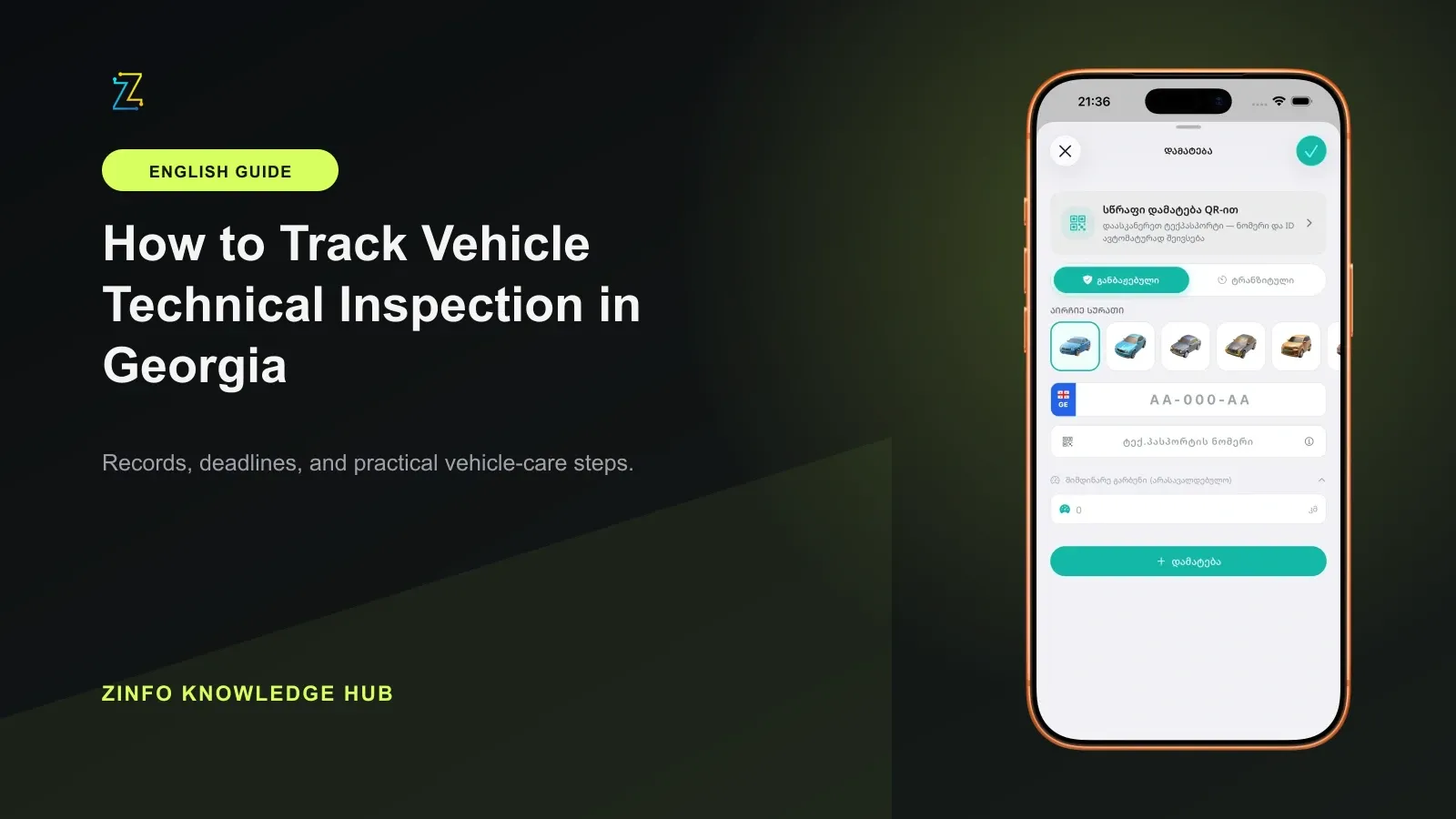
The cars, fines, and maintenance area in ZINFO can keep available technical inspection information and important dates beside the relevant vehicle profile. The app helps organize the workflow, but the official legal status still comes from the regulations in force, the official inspection record, and the report issued by an authorized center.
1. Start with the correct vehicle profile
First confirm the registration plate, registration certificate, vehicle category, and date of first use. A similar model, an old plate, or another family vehicle can easily become attached to the wrong reminder. If you have recently bought the vehicle, do not rely only on the seller's verbal statement or an old screenshot.
Open the vehicle profile area in ZINFO and confirm that the available inspection information belongs to the car you intend to drive. Registered and transit vehicles can have different legal circumstances, so the profile type and requested details must be correct.
If the result is empty or the vehicle identifiers do not match, do not estimate the deadline. Correct the input, repeat the lookup, and use the official route before making a decision that affects driving or a transaction.
2. Read the status and date together
The technical inspection feature can show available inspection status and important dates for a supported vehicle. Do not rely on a color or a single status word. Check which vehicle is selected, what date is displayed, and whether the record refers to the last inspection, the next due date, or another event.
Record the time of the lookup. If the data changes later, you will know exactly which response you saw and when. That detail is useful when discussing a specific case with support or an inspection center.
A ZINFO screen does not replace the official inspection report. If the date affects whether the vehicle can be used, sold, rented, or scheduled for work, confirm the answer through an official source before relying on it.
3. Understand why there is no single deadline for every vehicle
To verify the schedule, keep the registration document, vehicle category, intended use, first-use date, and previous inspection report together. Do not copy a date from another car simply because the model or year looks similar.
Open the PTI information platform and use its available deadline-checking route, or contact an authorized inspection center with the exact vehicle details. Ask which date applies to this vehicle and what record or current rule supports it. Keep the response with the lookup date.
When consulting the inspection periodicity regulation, check the version you can actually read. Matsne may display an original text while restricting access to the consolidated version. An old table or a general age summary is not enough to establish today's deadline. If the applicable version or vehicle classification is unclear, resolve it with the center before relying on the result.
4. Schedule the visit before the last day
Once the due date is confirmed, plan the visit several days early. This leaves time to choose a center, prepare the document, and correct an obvious defect. During busy periods, the most convenient appointment may no longer be available.
Create three reminders:
- One month before the deadline, review the vehicle's general condition.
- One week before the deadline, confirm the inspection center and appointment time.
- One day before the visit, prepare the registration certificate and the vehicle.
If the ZINFO date is convenient for daily tracking, use it as a reminder, but retain the official confirmation separately. Include the plate, center, and verified source in the calendar entry so schedules for multiple vehicles do not become mixed.
5. Review the systems covered by the inspection
The current PTI information page lists vehicle identification, braking, steering, visibility, lights, tires and wheels, axles, chassis components, and emissions among the areas checked. It also points to the periodic technical inspection regulation. Use the current applicable requirements and the center's report for the actual assessment.
Before the appointment, perform a basic readiness check:
- The plate and vehicle identification markings are readable
- Low beams, high beams, indicators, and brake lights work
- The windshield and wipers do not obstruct visibility
- Tires have no obvious damage or severely uneven wear
- Seat belts latch and release correctly
- No unexplained warning light remains on the dashboard
- There is no visible fluid leak, heavy smoke, or unusual mechanical noise
This checklist does not replace the official inspection and cannot guarantee a pass. Its purpose is to identify obvious problems early. If braking, steering, tires, or another safety system seems questionable, have the vehicle examined by a qualified technician before driving it to the inspection.
6. Turn the inspection report into an action plan
After the inspection, keep the complete report rather than relying on a verbal result. Confirm the vehicle details, outcome, listed defects, inspection date, and required next step. If the report contains incorrect vehicle information, ask the center to clarify it while the visit is still easy to trace.
Current PTI guidance gives 30 calendar days to correct a significant defect and requires a repeat inspection after the repair. It also says the repeat inspection is paid and its fee depends on the vehicle category. If the defect is not corrected within that period, or the vehicle fails the repeat inspection, PTI says the next inspection starts again under the primary-inspection procedure and fee. Ask the center to confirm the applicable category, deadline, and charge shown for your case before budgeting the return visit.
Convert every listed defect into a task. Record which service will diagnose it, which part or repair may be needed, and the date by which the vehicle must return. Do not treat a correction period as confirmation that a faulty vehicle is safe to drive. Ask the center what the recorded result means for the next step and arrange safe transport or repair when needed.
7. Resolve conflicting or delayed information safely
If ZINFO, PTI, and the inspection report show different dates or statuses, first confirm that all three refer to the same vehicle. Compare the plate, registration details, inspection date, and report number.
Refresh the sources and record the time of each lookup. Base any legal decision on the official record and confirmation from an authorized center. Old or incomplete information in an app does not automatically prove a violation, and it does not remove the inspection obligation.
Do not enter registration details into an unfamiliar link. Open the official page yourself, check the domain, and use only information that you can connect to the exact vehicle.
8. Build a repeatable inspection routine
Inspection tracking is not finished simply because the vehicle passed once. Keep the report, save the next date, and periodically confirm that the vehicle's status, category, and intended use have not changed.
If you also manage fines and related records, use the car fine checking guide. A single vehicle profile can make several dates easier to organize, but each legal result should still be confirmed through the relevant official source.
Final checklist
- I selected the correct vehicle profile and registration plate
- I confirmed the category and first-use date from the registration document
- I read the inspection status and date together in ZINFO
- I confirmed the exact deadline through an official source
- I scheduled the visit before the final day
- I prepared the registration certificate and checked the main vehicle systems
- I saved the complete inspection report
- If defects were found, I recorded the correction deadline and repeat visit
- I resolved conflicting data with the official record and inspection center
- I added the next inspection date to my calendar
With this method, ZINFO works as an everyday organization tool while the official record remains the authority for the final date and status. You can browse all ZINFO features or return to the knowledge hub for more practical guides.
Sources
- Cars, fines, and maintenance · ZINFO · 2026-10-05
- სხვადასხვა კატეგორიის ავტოსატრანსპორტო საშუალებების ინსპექტირების პერიოდულობა · საქართველოს საკანონმდებლო მაცნე · 2026-10-05
- ავტოსატრანსპორტო საშუალებების პერიოდული ტექნიკური ინსპექტირების შესახებ · საქართველოს საკანონმდებლო მაცნე · 2026-10-05
- ტექინსპექტირების საინფორმაციო პლატფორმა · PTI.GE · 2026-10-05