Vehicle profiles
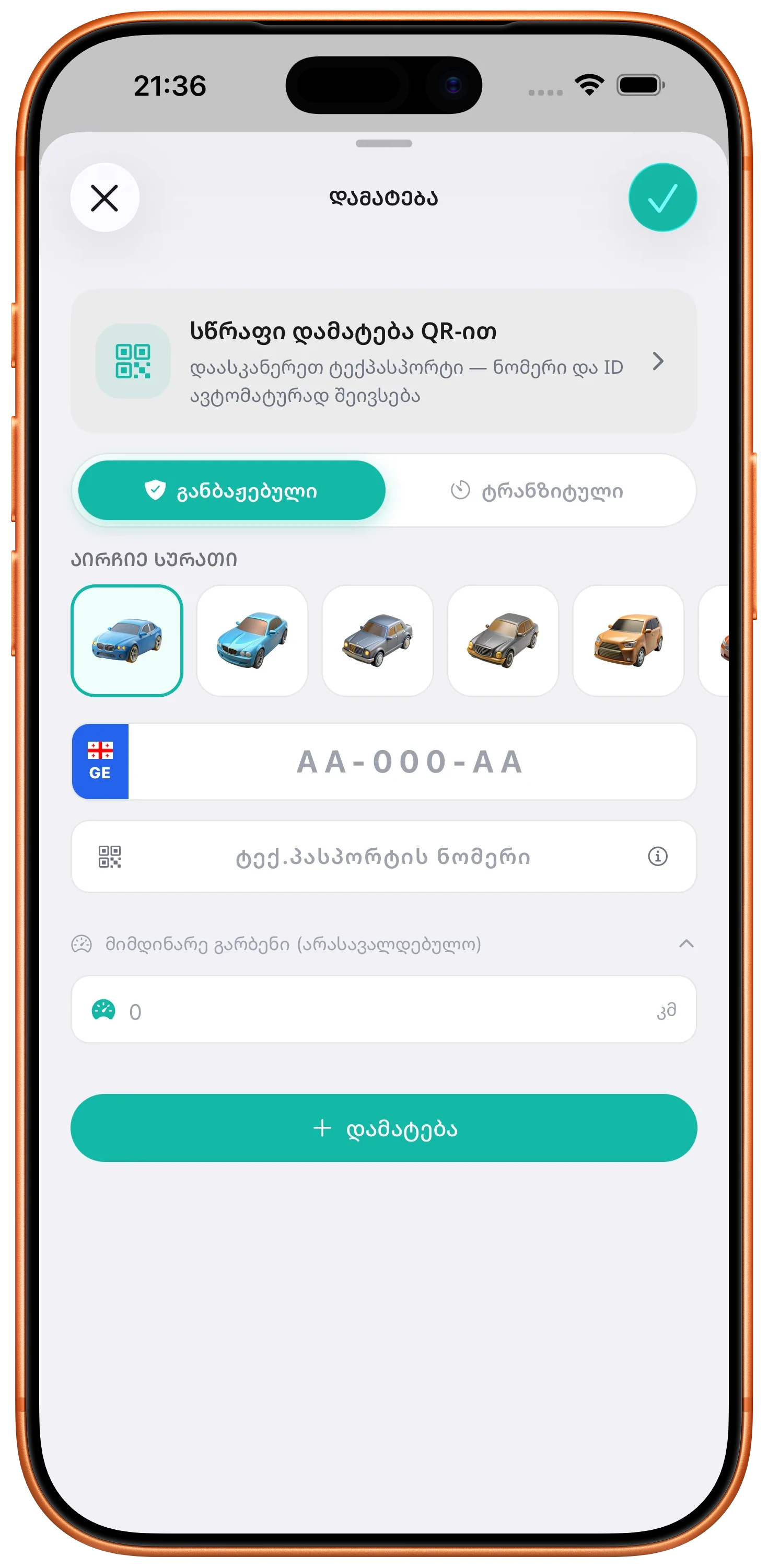
Add registered or transit vehicles and switch between them easily.
Keep the vehicles you use in one place so their fines, inspection details, maintenance records, and widget information are easier to access.
ZINFO features
Managing a car involves more than checking for a fine once. It is more useful when fines, inspection dates, mileage, oil changes, and reminders stay connected to the correct vehicle profile.
ZINFO lets you add registered or transit vehicles, review available fines and media, keep maintenance records, and make important dates easier to see.
01
Add registered or transit vehicles and switch between them easily.
Keep the vehicles you use in one place so their fines, inspection details, maintenance records, and widget information are easier to access.
Check available patrol, video, and parking fines in Georgia.
Search fines for a saved or entered vehicle and separate paid from unpaid results. The relevant issuing authority remains the official source of record.
Review amounts, deadlines, discounts, legal details, and available media.
Open a fine to see the information provided for it, which may include the amount, payment deadline, discount or late-fee details, issuing authority, law, location, photos, or video.
Pay eligible fines and review available payment or notification history.
Use supported payment options for eligible fines, then review available records connected with previous fine payments or notifications.
Get selected notifications about newly found fines and important deadlines.
Eligible plans can include alerts for newly available fines and approaching payment or discount deadlines, helping you act on time.
Reminder availability depends on the selected plan and account.
See available inspection status and dates for a supported vehicle.
Review the vehicle's available technical-inspection information and keep the next inspection date visible alongside your other car information.
Record mileage updates and keep track of oil changes.
Add mileage and oil-change records, including service dates, intervals, oil details, and notes, to build a useful maintenance history for each vehicle.
02
Check the plate and every requested detail so results stay connected to the intended profile.
Review paid and unpaid records, deadlines, issuing details, and available evidence independently.
Record mileage, oil changes, intervals, and useful notes consistently.
03
The relevant authority remains the official source for legal status and the final amount due.
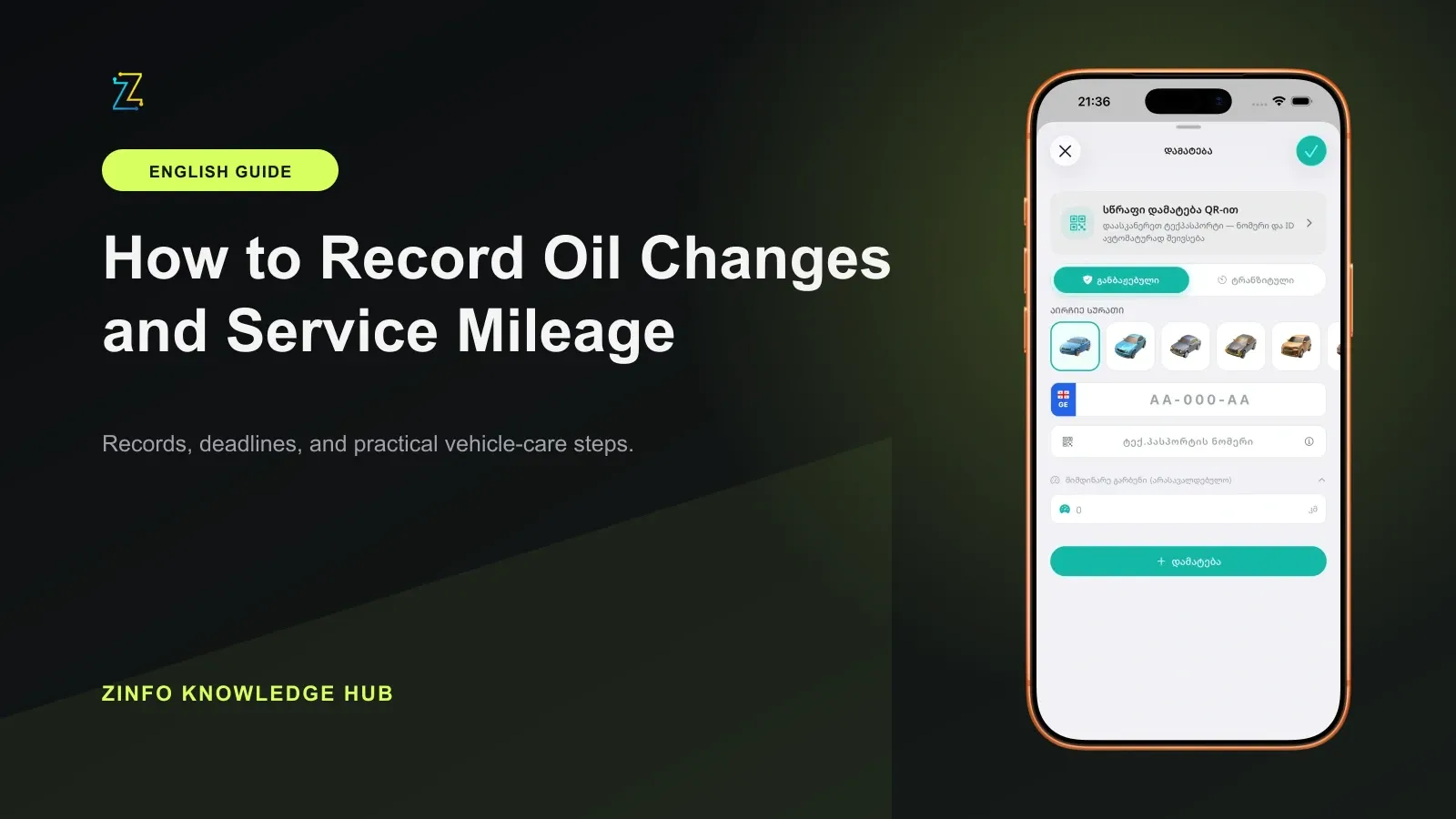
Turn one completed workshop visit into a traceable record, with clear dates, mileage units, oil details, document references, and corrections.
Read the guide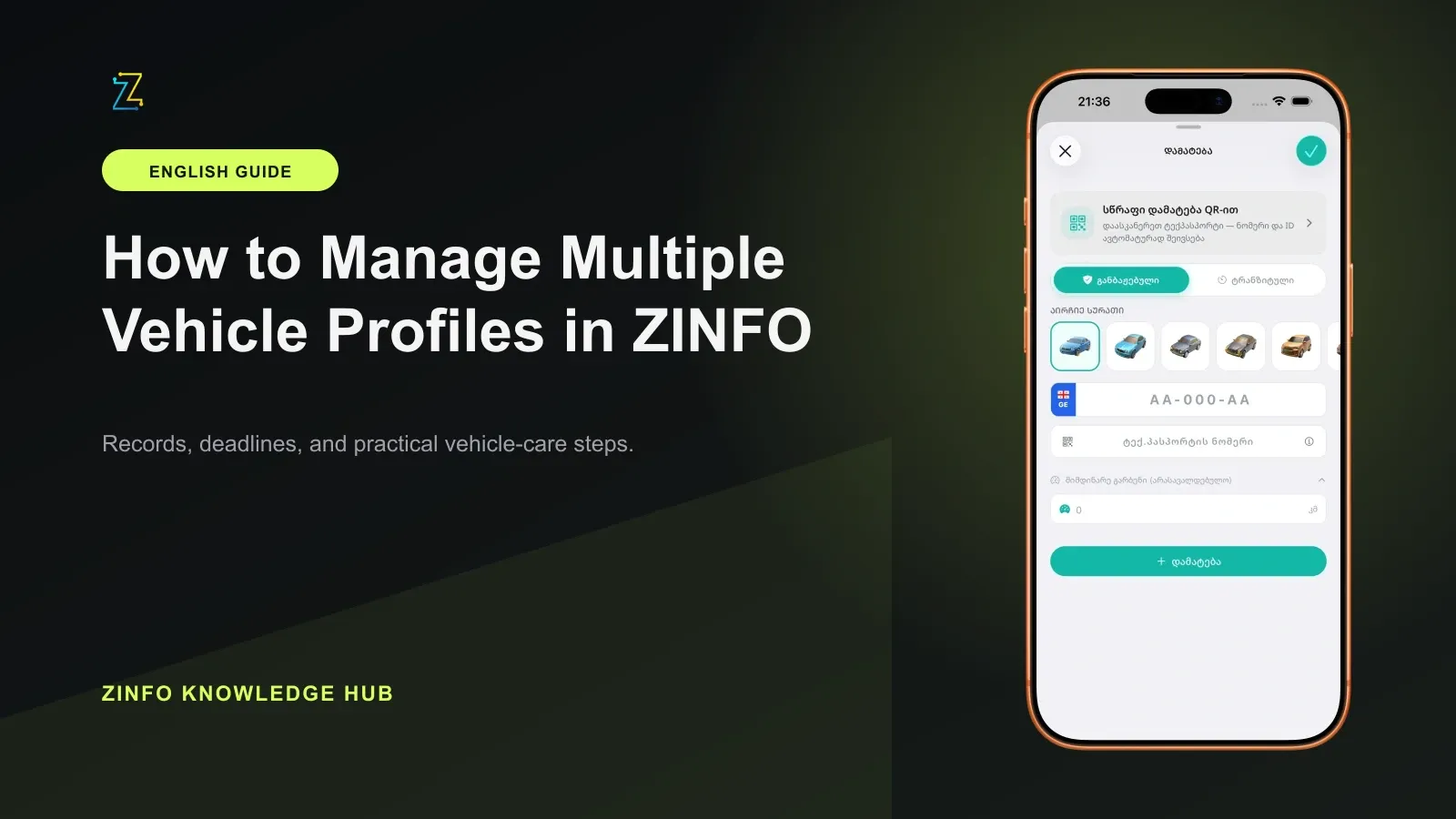
A reliable routine for several cars starts with the plate: select the intended profile, check its records, and confirm each new entry after saving.
Read the guide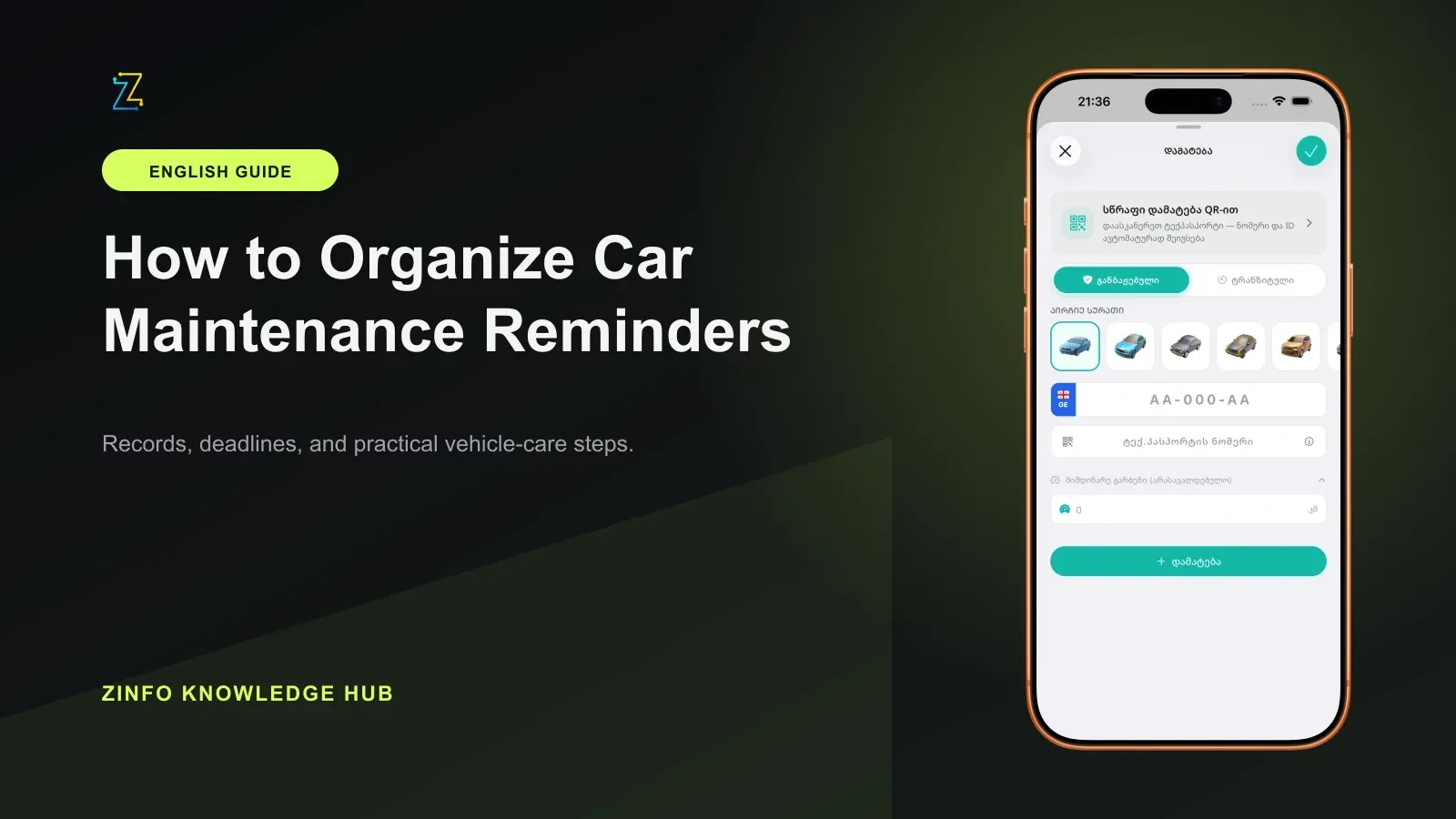
A useful reminder starts with the correct owner's manual, the last service date and mileage, driving conditions, and a record of the work actually completed.
Read the guideFree to download. Optional paid plans are available inside the app.