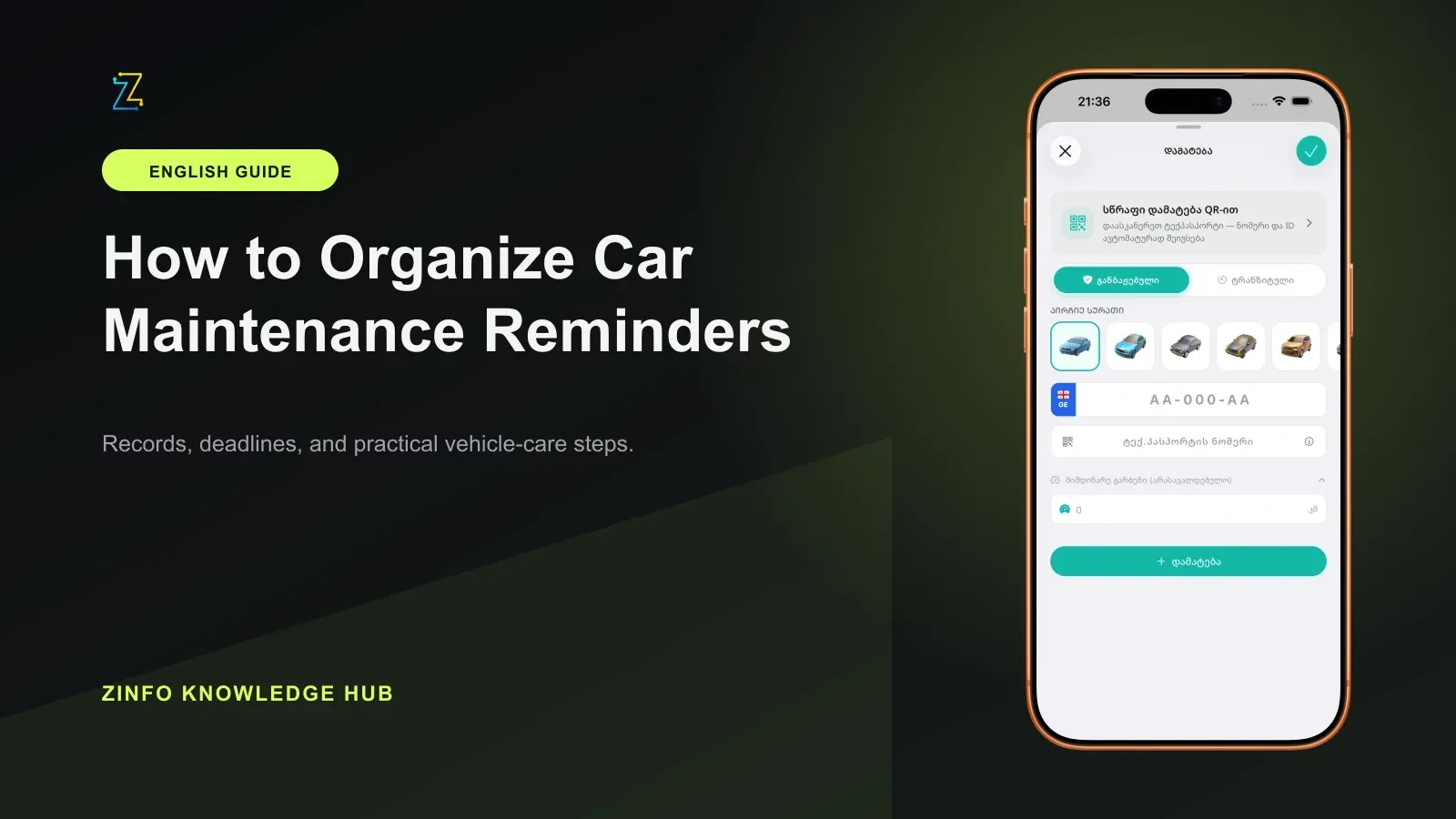
A car-maintenance reminder is useful only when you know exactly what it refers to, which vehicle it belongs to, and what evidence supports the timing. A random calendar date or a generic interval copied from the internet may be wrong for your car. A dependable system combines the owner's manual, the last service date and mileage, real driving conditions, and a record of the work that was actually completed.
The cars, fines, and maintenance area in ZINFO can keep mileage and oil-change history connected to a vehicle profile. A record can include the service date, interval, oil information, and notes. That makes ZINFO a practical organization tool, but the maintenance interval itself should come from the official manual for your exact vehicle or from a qualified service provider who can interpret it.
1. Give every vehicle its own profile
A reliable maintenance history starts with the correct vehicle identity. If a household or business manages several cars, one shared list can quickly mix up mileage, oil specifications, service dates, and next actions.
Open vehicle profiles in ZINFO and confirm that the record belongs to the correct plate and vehicle. Add only information whose source you understand. A useful baseline includes the current odometer reading, the last service date, and the mileage recorded when that service took place.
For a recently purchased used car, do not treat the seller's verbal answer as a complete history. Ask for invoices, a service book, or another traceable record. If the history cannot be confirmed, discuss a safe baseline inspection with a qualified technician and build a new record from that point.
2. Take the interval from the correct owner's manual
There is no single oil-change or maintenance interval that fits every vehicle. The engine, oil specification, model year, operating conditions, and manufacturer's rules can all change the schedule.
The U.S. Federal Trade Commission's official Auto Repair Basics guide advises owners to follow the manufacturer's maintenance schedule for their type of driving and to compare additional shop recommendations with the owner's manual. That is why a reminder should not be based on a generic blog post, a sticker from another car, or another driver's routine.
Find the manual for the exact model, engine, and model year. Identify which tasks are controlled by time, which are controlled by mileage, and which use both. When the manual says service is due at whichever limit arrives first, your reminder system needs to track both limits.
3. Split the last service record into four parts
In mileage and oil-service history, replace vague notes with at least four concrete details:
- The exact service date
- The vehicle mileage at the time of service
- The work completed and the part or fluid used
- The basis for the next action, such as the manual's date limit, mileage limit, or both
Keep the invoice or receipt separately as well. If you later sell the car, visit a different workshop, or investigate an earlier repair, a note that only says "oil changed" will not provide enough context.
For an oil-service entry, copy the product name or specification from the service document. If you do not know it, do not guess. Mark the detail as unconfirmed so it can be checked later.
4. Track the date and mileage together
For a mileage-based reminder, first identify the next service mileage from the manufacturer's schedule. Compare it with the current odometer reading to see how much driving remains. That calculation does not cancel a separate time-based requirement.
Add the date-based limit to a calendar. A simple two-stage setup works well:
- An early reminder that gives you time to compare workshops, confirm the scope, and locate the correct materials.
- A final reminder before the limit defined by the manual.
If the date arrives before the mileage limit, do not postpone service simply because the car has not traveled far. If the mileage limit arrives first, do not wait for the calendar date. The final decision should follow the exact manual and the vehicle's actual condition.
5. Account for how the car is really used
Some manufacturers separate normal operation from severe or special-use schedules. Kia's official 2026 scheduled maintenance precautions, for example, separately discusses repeated short trips, extended idling, dusty or rough roads, heavy traffic, mountain driving, and commercial use. This is an example for a particular vehicle family, not a ready-made interval for every car.
Write down how your vehicle is actually used. If those conditions match a special schedule in your own manual, follow that schedule or ask a qualified service provider to interpret it. Arbitrarily shortening or extending an interval is not a reliable substitute for the manufacturer's instructions.
6. Do not confuse an indicator with a service record
Some vehicles have an oil-life or maintenance indicator. It may use driving history and a vehicle-specific algorithm, but it does not work the same way in every model. Read the manual to understand what your vehicle's message actually means.
Reset the indicator only after the relevant work has been completed and only according to the manufacturer's instructions. Clearing a dashboard message does not prove that oil or a filter was changed. In ZINFO, record the completed work rather than merely noting that an indicator was reset.
Do not wait for a scheduled reminder if a warning light appears, the oil level looks wrong, fluid is leaking, the car develops an unusual sound, or its behavior changes. Stop in a safe place and contact an appropriate professional.
7. Update the history immediately after service
Maintenance systems often fail after the workshop visit rather than before it. A receipt stays in a bag, the odometer reading is forgotten, and the next reminder is built on an unverified date.
Before closing the service visit, confirm that:
- The invoice identifies the correct vehicle and mileage
- The completed work matches the approved scope
- The part or fluid is described clearly
- The next action is tied to the manufacturer's schedule
- Any additional problem is recorded separately in writing
Then add the new mileage and oil-service entry in ZINFO and store the receipt safely. If the workshop only performed a diagnosis and no maintenance was completed, record that accurately. Do not use a diagnostic visit as the completed-service date.
8. Run a short monthly review
Once a month, review each active vehicle profile. Update the mileage, compare it with the next date, look for unfinished recommendations, and confirm that receipts are stored. A brief review helps you notice an approaching service before the final reminder becomes urgent.
You may need a separate list for tires, brakes, filters, the battery, wipers, and other vehicle-specific tasks. Describe only the records and capabilities that are actually available in ZINFO, then connect the rest of the plan to the owner's manual and service documents.
If you also track the official inspection date, use the vehicle technical inspection guide. A maintenance record and an official inspection status serve different purposes and cannot replace one another.
Final checklist
- Every vehicle has a separate profile
- The last service date and mileage are supported by a record
- The interval comes from the official manual for the exact vehicle
- I track both time and mileage when the schedule requires both
- I compared real driving conditions with the applicable schedule
- Oil details and completed work are recorded clearly
- The invoice or receipt is stored safely
- An indicator is reset only after real service
- I do not delay a warning, leak, or unusual noise until the reminder date
- I review every active profile once a month
This method turns a reminder from a loose calendar date into a useful maintenance history. ZINFO can keep mileage and oil-change entries attached to the correct vehicle, while the exact service schedule should always come from that vehicle's official documentation. You can browse all ZINFO features or return to the knowledge hub for more practical guides.
Sources
- Cars, fines, and maintenance · ZINFO · 2026-08-27
- Auto Repair Basics · Federal Trade Commission · 2026-08-27
- Scheduled maintenance service precautions · Kia · 2026-08-27