An oil-change record should let you answer a specific question later: what work was completed on this vehicle, on which date, at what mileage, and according to which document? A payment receipt, a workshop recommendation, and a completed service describe different events. Keeping them connected makes the history easier to understand when you return to a workshop or review a used car.
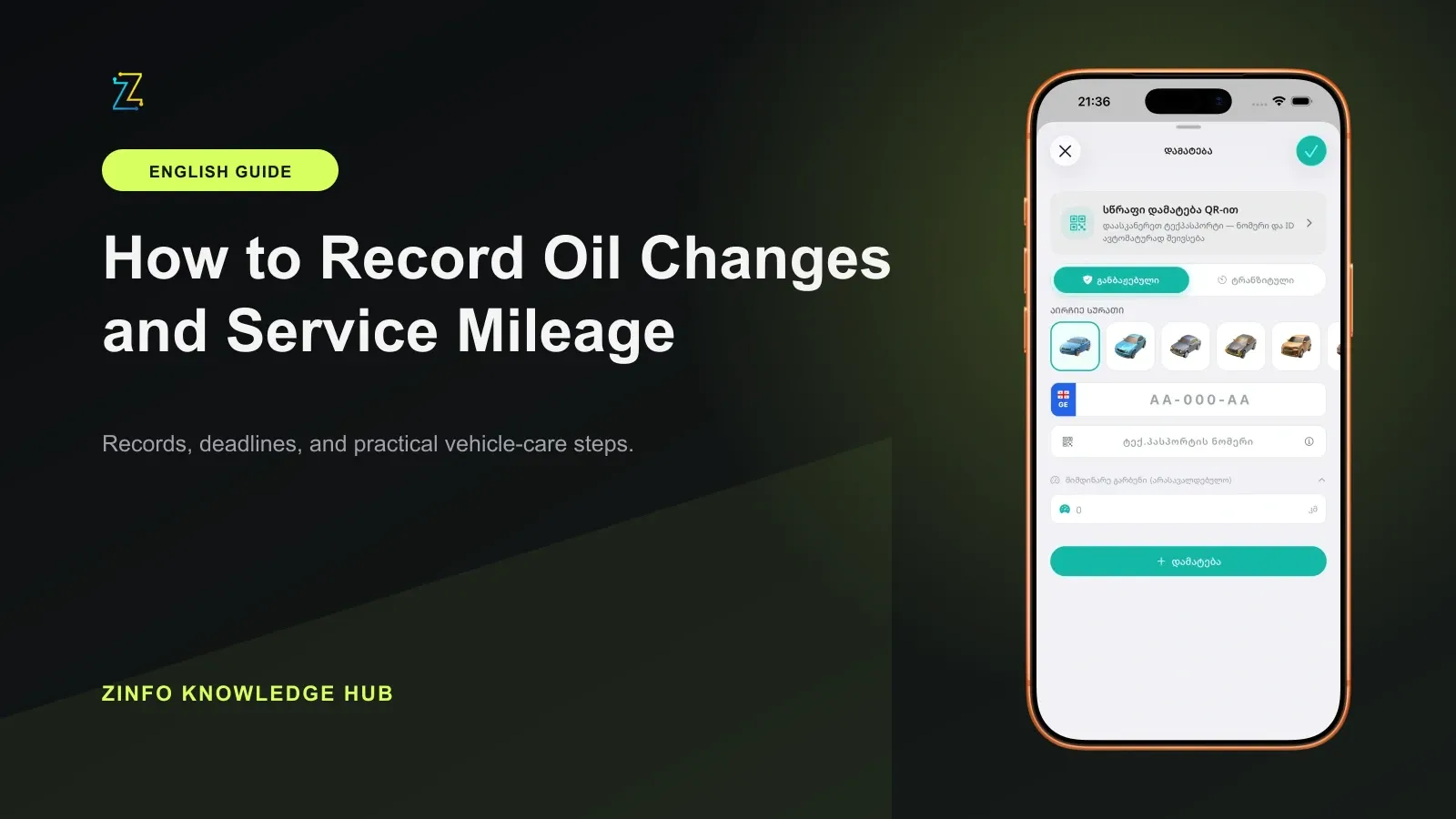
ZINFO's mileage and oil-service history supports vehicle-linked records with service dates, intervals, oil details, and notes. Use those fields to summarize evidence you already have. Keep the original paperwork separately; an entry in an app does not independently verify that a workshop performed the work.
1. Start with the completed work document
Gather the final invoice or service record before writing the entry. Check that it identifies the vehicle and says what was actually done. A booking confirmation shows a planned visit. An estimate describes proposed work. A payment receipt may show only an amount, so it may need to be kept with a more detailed document.
The U.S. Federal Trade Commission's Auto Repair Basics recommends obtaining a completed repair order listing the work, supplied parts, charges, and odometer readings. This guide uses that practical recordkeeping advice. The U.S. legal and warranty information on the same page is not presented as Georgian law.
Ask the workshop to clarify an unclear line before treating it as a completed oil change. If a filter was only recommended for later replacement, describe it as an open recommendation. Do not turn an estimate into evidence of completed work.
2. Confirm the vehicle before entering mileage
Open the intended vehicle profile and compare its identity with the service document. This is especially useful when several family members use similar cars or one person pays for more than one vehicle. Our multiple-vehicle guide covers keeping those profiles distinct.
Read the mileage and its unit together. A number recorded in miles should not be silently entered as kilometers. Keep the original reading and unit in your private evidence. If a value is converted for a separate comparison, label the conversion instead of presenting it as the workshop's original reading.
If the invoice and your odometer photograph disagree, leave the mismatch unresolved until you understand it. The document may contain an arrival reading, a departure reading, or a typing error. Avoid choosing whichever value makes the sequence look tidier.
3. Separate the service date from the entry date
Use the date when the documented work was completed for the service history. The day you pay a bill, collect a car, or type the information into ZINFO can be different. When the document does not make the service date clear, ask the workshop or retain a note explaining the uncertainty.
For a late entry, a useful note is: completed work transcribed from the named invoice; entered later. Add the invoice reference in the notes you keep for that vehicle. This preserves the event's meaning without making an old service appear to have happened today.
Do not invent an exact day from a remembered month. If an available field requires information you cannot support, resolve the missing detail before saving a definitive service entry. Keep an unresolved note outside the completed-service timeline in the meantime.
4. Copy oil details without turning them into advice
Copy the product name, specification, quantity, and filter description only when the service evidence actually supplies them. If a document says only that oil was changed, that does not establish a particular brand, viscosity, approval, or quantity. Ask for clarification or mark the missing detail as unknown in your supporting notes.
Keep separate what was documented and what a workshop recommended next. The interval field should use the supported basis for your own vehicle; this article does not prescribe a universal interval or oil specification. Use the maintenance-reminder guide when you are ready to plan the next visit from the appropriate manual and service advice.
5. Connect several documents to one service event
One visit may produce an invoice, a payment confirmation, a parts receipt, and a workshop message. Compare their vehicle, date, and job reference before treating them as one event. Two documents describing the same oil change should not become two completed oil changes in your history.
Keep a simple private reference for the visit, such as the invoice number and workshop name. Use it consistently in your notes and the folder where you store the documents. This is a suggested filing method, not a claim that ZINFO uploads or attaches those files.
Review any later document against the earlier one. A revised invoice may clarify the original job; it does not necessarily mean another service took place. Preserve both versions when they explain a correction, and identify which one the current entry follows.
6. Make corrections traceable
Before correcting a date, mileage, or oil detail, return to the source document. Keep a short explanation of what was wrong and what confirmed the corrected value. Use the record controls available in your app version; do not assume that an automatic revision history or document export exists.
For records inherited from a previous owner, distinguish documents you have seen from an unconfirmed verbal account. An orderly list can still contain gaps. The used-car checklist explains how service history fits alongside identity checks, official records, and an independent inspection.
7. Read back the finished entry
After saving, open the record again and compare it with the evidence:
- The profile belongs to the serviced vehicle.
- The date describes the completed work.
- Mileage and units are understood.
- Oil and filter details match the document where available.
- Completed work and future recommendations are separated.
- The original documents can be found through your private reference.
- The same visit has not been counted twice.
The result should be a concise, traceable summary. ZINFO helps organize the supported history fields; the workshop documents remain the evidence for the work. Start with the most recent completed visit, resolve its open questions, and then add older records without filling gaps by guesswork.
Sources
- Cars, fines, and maintenance · ZINFO · 2026-10-05
- Auto Repair Basics · Federal Trade Commission · 2026-10-05