Checking a car fine in Georgia is not just a matter of typing a plate into one search box. A reliable result depends on matching the search to the correct vehicle, reviewing every record separately, and confirming important details with the authority that issued the fine. This matters because patrol, video, parking, and other records can come from different systems and may not update at exactly the same time.
The cars, fines, and maintenance area in ZINFO connects available fine records, statuses, details, and media with a vehicle profile. This guide gives drivers, owners, and people managing a vehicle in Georgia a repeatable method for understanding a result without treating an app screen as the final legal record.
1. Start with the exact vehicle and document details
Before searching, confirm the registration plate, vehicle type, and every requested registration detail. One incorrect character can produce an empty result, a failed lookup, or a record connected with the wrong vehicle. If you manage several vehicles, check which profile is currently selected.
Georgia's Ministry of Internal Affairs administrative offences system presents two main search methods. One uses a fine receipt number together with a personal or identification number. The other uses the technical passport number together with the state registration plate. A plate alone may therefore be insufficient for an official lookup. Copy details from the current registration document rather than relying on memory, an old message, or a blurred photograph.
Only search a vehicle or receipt that you are authorized to manage. Registration, identity, and fine information can be sensitive. Do not send those details to an unknown person or enter them into a page whose address you have not verified.
2. Separate unpaid and paid records in ZINFO
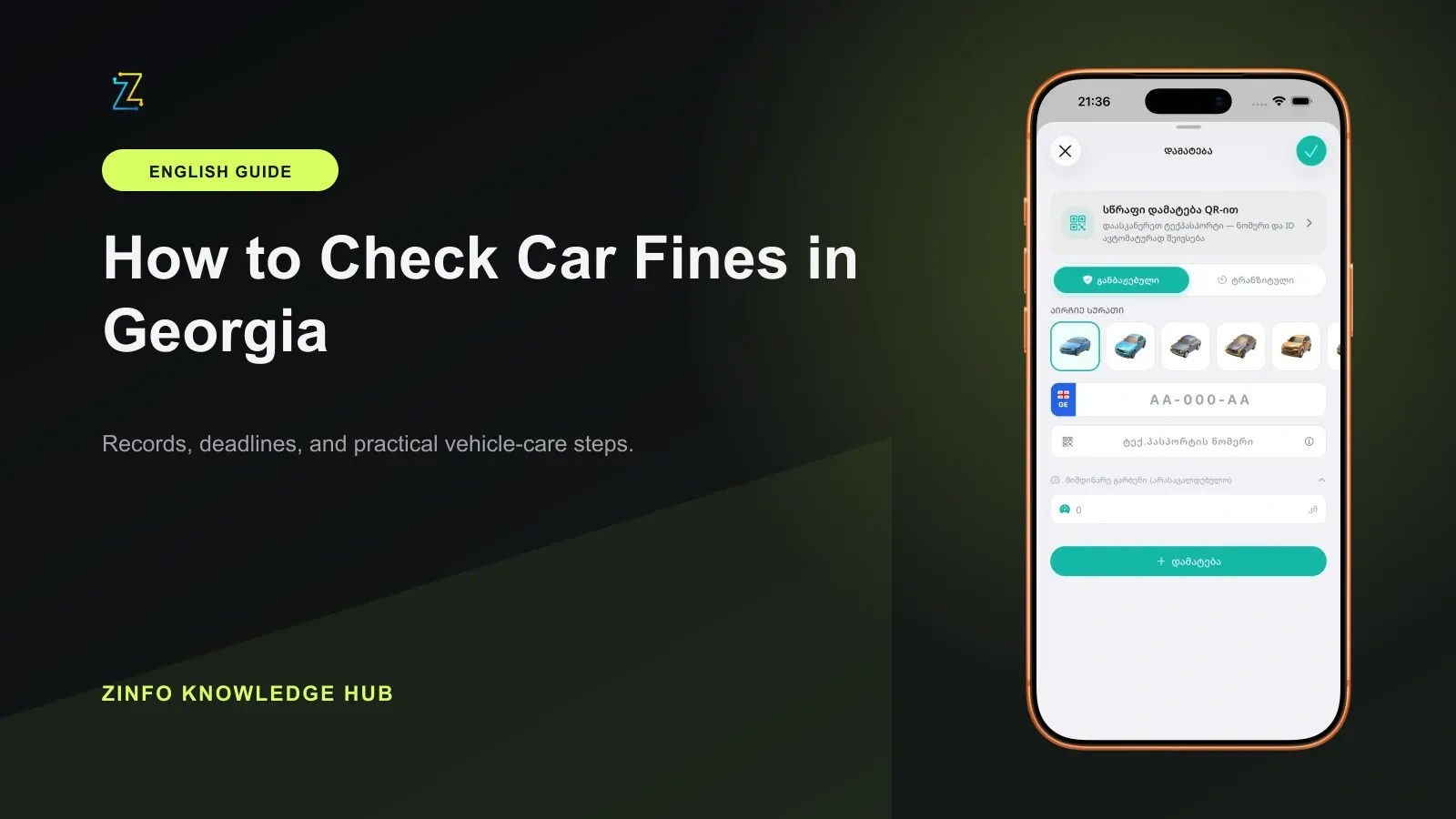
Open car fine lookup, choose the saved vehicle or enter the requested details, and let the lookup finish. Depending on availability, ZINFO can show patrol, video, or parking fines associated with the vehicle.
Do not stop at a total count. Review unpaid and paid records separately. Two entries with the same amount or a nearby date are not necessarily duplicates. Compare the receipt number, issuing authority, violation date, and payment status for each item.
An empty result is not conclusive proof that no fine exists. A source may not have updated yet, the record may belong to another issuing authority, or the entered details may not match the official record. Repeat the lookup after checking the inputs, then use the issuing authority's official channel when the answer affects a deadline, payment, dispute, or vehicle transaction.
3. Read every fine as a complete record
The fine details and media view may include the amount, payment deadline, discount or late-fee information, issuing authority, legal reference, location, photograph, or video when those fields are available. Read the fields together rather than relying on one highlighted number.
Check the following items:
- Receipt or record number
- Violation and publication dates
- Vehicle registration plate
- Issuing authority
- Amount currently shown and the displayed deadline
- Paid or unpaid status
- Available location, legal reference, photograph, or video
The absence of a photograph or video does not automatically cancel a record. The presence of media also does not remove the need to verify the other fields. If the place, date, plate, or description appears inconsistent with your information, contact the issuing authority before paying or starting a dispute.
Keep a note of when you performed the check. A timestamp helps if a status changes later or if you need to explain which version of the record you saw.
4. Confirm the result in the relevant official system
ZINFO helps organize the search, but the relevant authority remains the source of record for legal status and the final amount due. For records administered by the police, use the Ministry of Internal Affairs administrative offences system to confirm the vehicle or receipt details.
The ministry's published fine receipts page, current on September 10, 2026, offers search options by person or vehicle number and displays fields for the registration plate, penalty date, delivery date, and payment deadline. It also states that when a receipt cannot be delivered through the prescribed process and is publicly published, it is considered delivered on the 30th day after publication.
That public page serves a specific notification purpose. It should not be treated as a universal list of every possible car fine in Georgia. For a parking fine or a record from another agency, follow the authority named in the result and use that authority's official channel.
If a page asks for unexpected information, check the domain before continuing. Official systems can require identifiers to find a specific record, but a copied lookalike page should never receive personal or registration data.
5. Verify twice around any payment
Before paying, compare the receipt number, vehicle, amount, deadline, and receiving authority one more time. If fine payment and history is available for the record, use it only after those details match. A supported payment option is a convenient route, not a substitute for confirming that you are paying the intended fine.
Save the bank or payment receipt, transaction time, and unique reference number. Then refresh the fine status. Posting can take time, so do not automatically repeat the same payment because the first status check still says unpaid. Confirm the banking result first, then ask the issuing authority whether the payment has been applied.
If the status remains unchanged, prepare the fine receipt number, proof of payment, date, and payment reference before contacting support. Those details allow the authority or payment provider to investigate one specific transaction instead of searching from a general description.
Never assume that a payment screenshot alone proves settlement. The transaction must be successful, directed to the correct recipient, and matched to the correct fine.
6. Handle empty or conflicting results safely
When ZINFO and an official system show different statuses, base the legal decision on the official record. First confirm that both searches use the same plate, technical passport, receipt number, and person where required. Refresh both sources and record the time of each check.
If the official system shows a fine that has not appeared in ZINFO, follow the official instructions for payment, clarification, or appeal. If ZINFO shows a record that you cannot locate in the official source, do not assume that it is either valid or cancelled. Contact the named issuing authority and ask for the status of that specific receipt.
An old notification, a forwarded screenshot, or a message from another person is not enough evidence for a payment decision. Open the service yourself, verify the address, and avoid links that use an unfamiliar domain or request unrelated credentials.
For a vehicle you are buying, selling, lending, or returning, check who is responsible for handling any record and keep a dated copy of the relevant confirmation. A fine lookup does not by itself decide contractual responsibility between two people.
7. Use a repeatable checking routine
One clean search cannot rule out a record that appears later. Review the vehicle profile periodically, especially after a long trip, after someone else has used the car, or after receiving a fine notification. If your plan includes reminders, treat them as an additional signal rather than a replacement for official notices and your own checks.
Use this routine:
- Confirm the vehicle and registration details.
- Review unpaid and paid records separately.
- Compare the receipt, issuer, date, amount, and deadline for every item.
- Confirm any important result in the relevant official system.
- Save proof of payment and check the status again after the transaction.
The purpose of this routine is not to make the fastest possible payment. It is to reduce the risk of paying the wrong record, missing an important notice, or relying on a stale status.
Keep a small verification record
The official lookup form reviewed on September 10, 2026 still offers receipt plus personal or identification number, or technical-passport number plus registration plate. Before you start, decide which complete pair you have. Changing only the plate while leaving another vehicle's document number in the form can make the result unreliable.
For your own records, note the issuing authority, which official service you checked, the receipt reference, and the check time. Keep sensitive identifiers in a private place. If two systems disagree later, compare the same reference and input pair before asking the authority to investigate. Do not publish a screenshot containing somebody else's plate, personal number, or fine details as an example.
Final checklist
- I entered the correct plate and requested registration details
- I selected the intended vehicle profile
- I reviewed unpaid and paid records separately
- I compared the receipt number, issuer, date, amount, and deadline
- I evaluated photographs or video together with the other record fields
- I confirmed the final status with the relevant official authority
- I checked the recipient and amount again before paying
- I saved the payment receipt and reviewed the status afterward
- I did not treat an empty search as proof that no fine exists
With this method, ZINFO becomes an organized starting point while the issuing authority remains the final source of record. You can browse all ZINFO features or return to the knowledge hub for more practical guides about vehicles and everyday services in Georgia.
Sources
- Cars, fines, and maintenance · ZINFO · 2026-09-10
- ადმინისტრაციული სამართალდარღვევები · საქართველოს შინაგან საქმეთა სამინისტრო · 2026-09-10
- ჯარიმები · საქართველოს შინაგან საქმეთა სამინისტროს საჯარო ინფორმაციის ვებგვერდი · 2026-09-10