Comparing currency providers is not just a search for the highest or lowest number on a screen. A useful comparison begins with one specific transaction: which currency you need, whether you are buying or selling it, how much you plan to exchange, and which channel you intend to use. If those inputs are not aligned, two accurate rates may still be answering different questions.
The currency and conversion area in ZINFO brings buy and sell rates, provider comparison, and conversion into one workflow. If the direction labels are still unclear, start with the guide to currency buy and sell rates. This article focuses on the next decision: how to compare several providers on equal terms without treating a changing rate table as a permanent leaderboard.
1. Define the exact transaction first
Write the task in one sentence. For example: "I want to buy euros with GEL 1,000" or "I want to sell USD 500 and receive GEL." Those transactions use different directions and different calculations.
Then define the channel. Cash at a branch, internet banking, card conversion, and an account transfer can use different rates, fees, limits, and eligibility rules. Do not compare one provider's internet-bank quote with another provider's cash-counter quote unless you have confirmed that the two offers apply to the same transaction type.
A fair starting frame has four aligned inputs:
- The same foreign currency
- The same buy or sell direction
- The same starting amount
- The same channel and customer type
If one of those inputs changes, the result answers a different question. This simple discipline prevents many misleading comparisons before any arithmetic begins.
2. Align update times and coverage
Exchange rates can change during the day. A record updated several hours ago and a record updated a few minutes ago should not carry equal weight. Check the timestamp before ranking the numbers.
The National Bank of Georgia's commercial-rate page says its bank data is updated online and warns that rates and conditions can change at any time. It tells users to confirm the current quote and applicable terms directly with the selected bank before transacting. Apply the same rule to every provider comparison: a displayed value helps you prepare a decision, but it is not an execution guarantee.
Coverage also matters. One source may show only commercial banks, while another may include banks and additional exchange providers. A longer list is not automatically a better list. You need to understand which providers are included, which transaction channel the rows represent, and whether any categories are absent.
When timestamps differ materially, narrow the list to a reasonably comparable time window. If the market has moved quickly, refresh the screen and rebuild the shortlist instead of trying to correct old values by intuition.
3. Compare the final result, not the headline rate
When you sell foreign currency, a higher buy rate generally returns more GEL, assuming every other term is equal. When you spend GEL to buy foreign currency, a lower sell rate generally returns more foreign currency for the same GEL amount. That is only the first layer of the calculation.
The practical comparison is the net result:
Ask each provider for two figures: the total amount you will pay and the amount you will receive after all charges. Record the currency of each figure. Comparing those complete quotes avoids subtracting a GEL fee directly from an amount expressed in euros or dollars.
If you calculate the quote yourself, confirm the fee's currency, the amount on which any percentage is calculated, and whether the fee is deducted before or after conversion. A fee taken from your starting balance changes how much is exchanged; a fee taken from the proceeds changes what you receive. Include fixed charges and confirm the provider's rounding rule. Keep those conditions alongside the rate rather than applying one fee formula to every provider.
Use the ZINFO currency converter to calculate the same amount under several rates. If your goal is a fixed amount of foreign currency, compare the GEL each provider would require. If your goal is to exchange a fixed amount of foreign currency into GEL, compare the GEL each provider would return.
4. Keep the official rate in its proper role
The National Bank's official GEL exchange rate and a provider's commercial buy or sell rate serve different purposes. The official rate is a market reference that is often used for accounting and other official purposes. A provider's commercial rate describes the terms on which that provider may buy or sell currency at a particular time and through a particular channel.
Do not place the official rate inside a commercial provider ranking. Use it as context. It can help you notice a reversed direction, a stale record, a unit mistake, or an unusually distant value that deserves another check. The actual transaction is still determined by the provider's live quote, fees, availability, and final confirmation.
If an official reference and a commercial quote appear far apart, verify the currency, direction, quantity, date, customer type, and service channel before drawing a conclusion.
5. What the August 20 snapshot showed
At 09:04 Asia/Tbilisi on August 20, 2026, the publisher created a sanitized immutable data receipt from ZINFO's production system. No authentication values were written to the receipt. The collection included supported USD, EUR, and GBP commercial buy and sell records, while National Bank reference values remained in a separate reference group.
The method accepted positive approved values, applied a maximum source age of 12 hours, excluded the National Bank reference from commercial ranking, and retained three comparable providers for each currency. The USD, EUR, and GBP reference values in the receipt exactly matched the National Bank's official API values for the same day.
In that point-in-time sample, the strongest displayed provider changed with the transaction direction for all three currencies. The provider leading when a user bought foreign currency was not the same provider leading when a user sold that currency. This is not a lasting ranking and it is not a provider endorsement. It supports one practical conclusion: leadership in one direction does not automatically carry over to the opposite direction or to another currency.
The snapshot deliberately avoids becoming a list of provider-specific quotes that could look current after they have expired. Its value is the method and the observed need to compare again at the time of the real transaction.
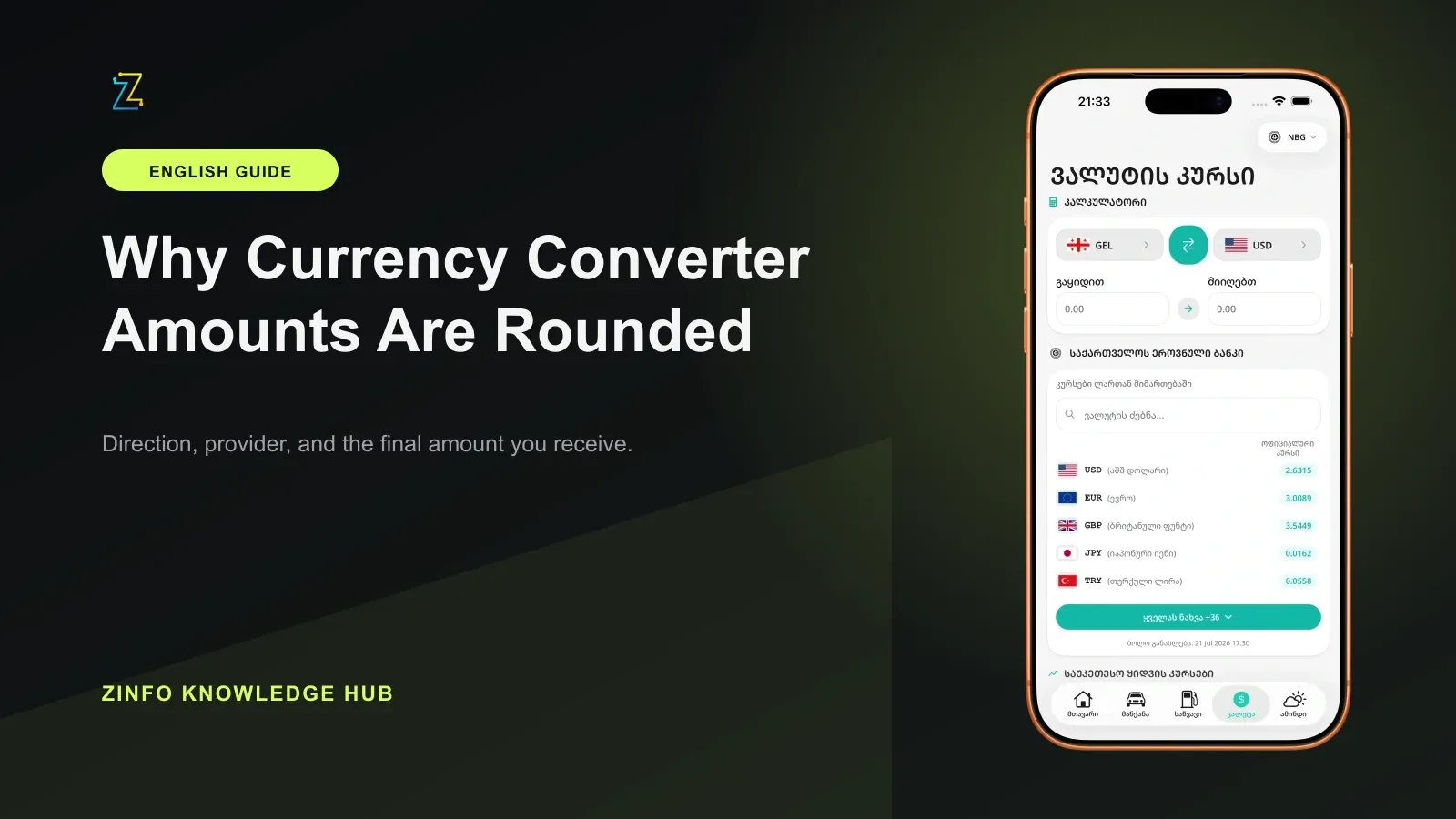
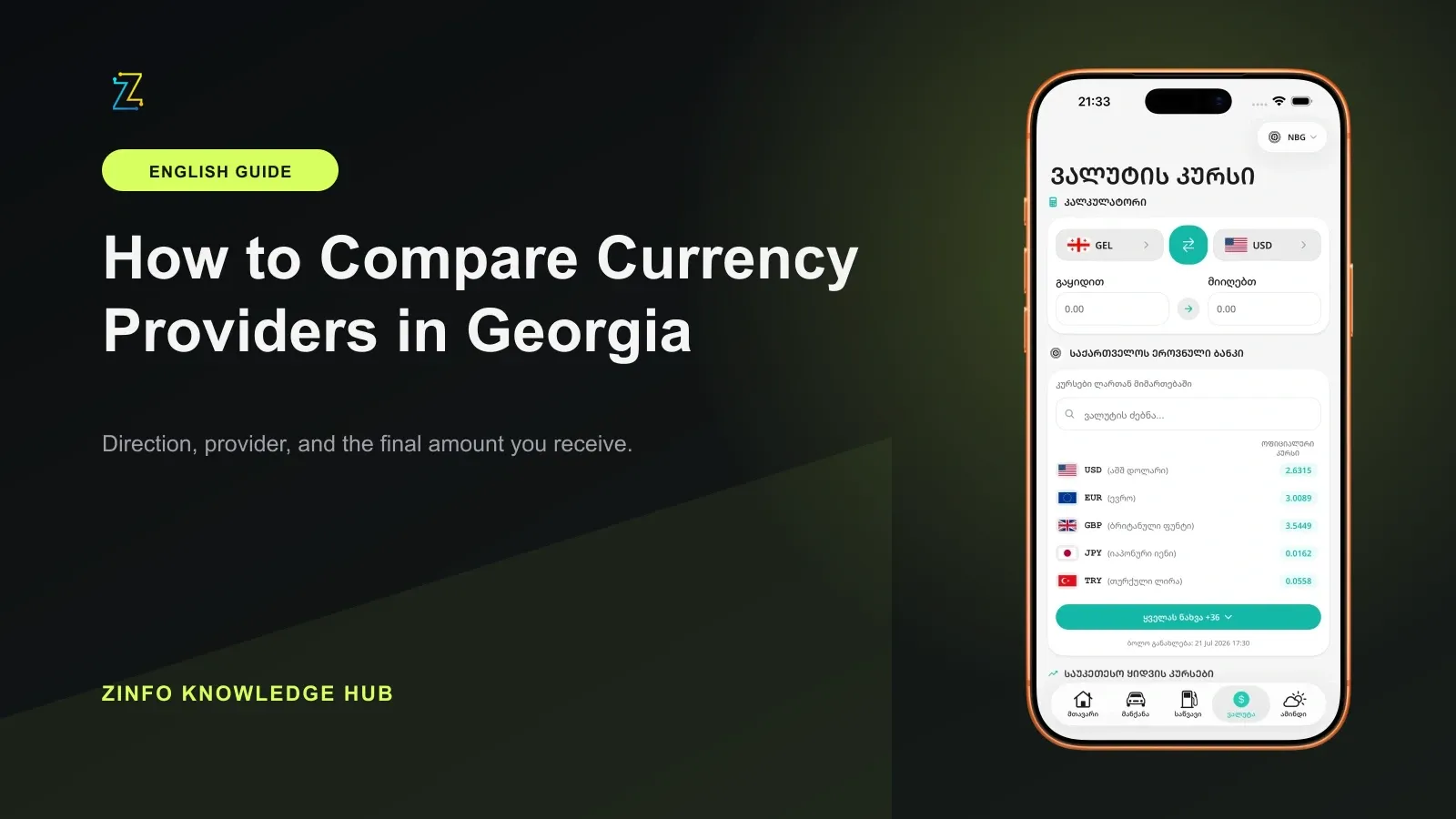
The phone image in this article illustrates the product interface and is not the August 20 data snapshot. Refresh the rates and timestamps on the live screen before making a real comparison.
6. Evaluate execution conditions as well as price
The best displayed rate may not produce the best practical transaction. Before choosing, check:
- Commission and other known charges
- Minimum and maximum amounts
- Cash versus non-cash terms
- Branch, app, and internet-bank differences
- Availability of the selected currency
- Operating hours and settlement timing
- Customer eligibility and identification requirements
When two net results are close, access can decide the better option. A slightly stronger quote at a distant branch may lose its advantage after travel time and cost. A digital quote may be irrelevant if it requires an account you do not have. A provider may also show a rate while lacking the amount of cash currency you need at a particular location.
The useful winner is the option that gives your transaction the strongest net result and can actually be completed under conditions you accept.
7. Use a repeatable ZINFO workflow
Use the best buy and sell comparison as a first filter, then follow the same sequence every time:
- Choose one currency and one transaction direction.
- Enter the amount you genuinely plan to exchange.
- Remove clearly stale rows and rows from a different channel.
- Calculate the full net result after known charges.
- Keep two or three realistic candidates.
- Confirm the final rate, limits, and availability with the provider.
Favorites can shorten the search, but a saved provider is only a shortcut. It is not proof that the provider remains strongest today or for another currency. Refresh the data and repeat the comparison for every real transaction.
For a larger amount, consider asking the provider for the exact executable quote rather than relying on a public table alone. Record the time and channel of that quote so you do not later compare it with a different type of offer.
8. Understand the limits of the comparison
A rate comparison is decision support. It is not a guaranteed offer, financial advice, or a prediction of future currency movement. A value can change after you open the screen, and a provider can apply different conditions to a specific amount, customer, or channel.
For a large exchange, a business payment, a tax obligation, or an accounting entry, do not rely only on a comparison screen. Confirm the applicable official rule, transaction documentation, and professional guidance when appropriate.
Final checklist
- I am comparing the same currency and direction
- The amount and channel are consistent across providers
- I understand the update times and coverage
- I kept the official reference outside the commercial ranking
- I included fees, limits, and availability
- I will confirm the final terms with the provider
This process turns a provider list into a clear, repeatable decision. You can browse every ZINFO feature or return to the knowledge hub for practical guides about currency, vehicles, fines, and other everyday tasks in Georgia.
Sources
- Currency exchange rates · National Bank of Georgia · 2026-09-13
- Foreign Exchange Rate · National Bank of Georgia · 2026-09-13
- Official exchange rates for August 20, 2026 · National Bank of Georgia · 2026-09-13
- Currency and conversion · ZINFO · 2026-09-13