A currency converter can show a rate with several decimal places and a calculated amount with only two. That difference becomes noticeable when you convert a very small amount, add several displayed results, or try to reconstruct the original rate from the answer. A small discrepancy can come from rounding, but it is not enough by itself to explain a bank's final charge.
The currency converter in ZINFO lets you choose supported currencies and a provider, enter an amount, and reverse the direction. This guide explains how to read a rounded result. For choosing the correct side of an exchange, use the separate buy and sell rates guide.
1. Separate the rate from the amount
A rate describes the relationship between currencies. An amount describes how much you give or receive. They do not need the same number of displayed decimal places.
The National Bank of Georgia's official data for September 24, 2026 includes rates formatted to four decimal places and a separate quantity field. That quantity tells you how many foreign-currency units the quote covers. This is evidence about the reference data's presentation, not a rule requiring every converter or bank to round transaction amounts in the same way.
Keep the quoted rate and its unit quantity intact when checking a calculation. Rounding the rate first changes the input. Rounding the final amount changes how the answer is presented. Those operations can produce different results.
2. How we checked the ZINFO calculation
On September 24, 2026 at 07:04 Asia/Tbilisi, the editorial team ran five controlled calculations using the reviewed ZINFO converter calculation code. The source revision, exact file hash, inputs, results, and method were saved in an immutable evidence receipt.
We supplied an illustrative rate of 1 USD = 2.7135 GEL, using the same number for both directions to isolate rounding. This is a constructed example, not a current quote, an NBG rate, or a bank offer. The check used no customer records and made no transaction.
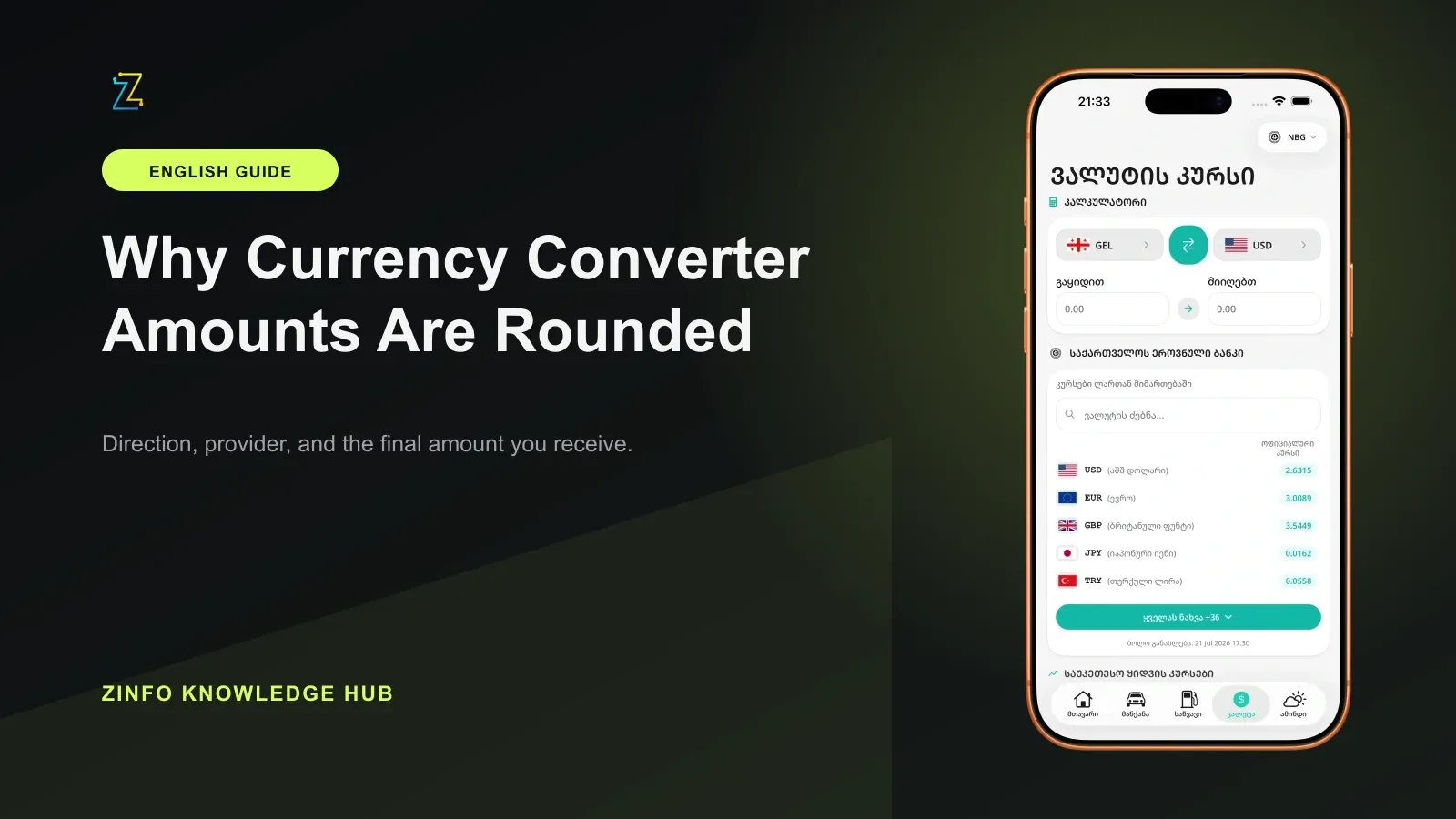
The reviewed calculation formats the calculated amount to two decimal places. This observation applies to the code and inputs examined. It does not establish the behavior of every installed app version, every supported currency, or a provider's settlement system. The phone image is a historical illustration of the ZINFO rates interface. Its figures are not current quotes or a capture of these calculations.
3. Read small results carefully
Under that fixed illustrative rate, the calculation produced:
- USD 0.01 to GEL: unrounded result 0.027135; displayed result GEL 0.03.
- USD 0.10 to GEL: unrounded result 0.27135; displayed result GEL 0.27.
- USD 1.00 to GEL: unrounded result 2.7135; displayed result GEL 2.71.
- GEL 0.01 to USD: unrounded result about 0.00368528; displayed result USD 0.00.
- GEL 10.00 to USD: unrounded result about 3.68527732; displayed result USD 3.69.
A displayed zero can therefore represent a positive value too small to appear at the chosen precision. It does not establish that money was lost, that a currency has no value, or that a payment can be made for free. The converter is showing a formatted estimate, not a record of an executed exchange.
For a practical comparison, enter the amount you actually intend to exchange. Testing with an extremely small amount and multiplying the displayed answer can magnify the rounding effect.
4. Adding rounded lines can change the total
Consider ten copies of the USD 0.01 example. Each displayed result is GEL 0.03, so adding the ten displayed figures gives GEL 0.30. Converting their combined USD 0.10 amount once gives GEL 0.27 in the same check.
The three-tetri difference comes from rounding ten intermediate answers instead of one final answer. The rate and the total starting amount did not change. This is why a manually added list of converter outputs can disagree with a calculation performed on the combined amount.
This example does not recommend splitting real payments or combining transactions that must be recorded separately. A provider may apply different fees, minimums, or rounding rules to separate transactions. For accounting or an actual payment, use the provider's confirmed figures and the applicable recordkeeping rules.
5. Check from the original inputs
When investigating a discrepancy, retain the original amount, currency pair, transaction direction, provider, rate, and quote time. Recalculate from those inputs rather than trying to recover the rate by dividing two already rounded amounts.
Keep intermediate precision in your checking calculation and round the final result according to the rule you are evaluating. If you are comparing with a provider's final quote, ask where that provider rounds and how it handles fees. Do not assume the demonstration's two-decimal display is its settlement rule.
Also confirm that a rate stated for several currency units has been interpreted correctly. A unit mistake changes the calculation itself and should not be dismissed as a display issue.
6. Rule out other causes
Rounding is only one possible explanation for different results. Before attributing a difference to it, check whether:
- One calculation uses the buy rate and the other uses the sell rate.
- The rate or provider changed between checks.
- One quote includes a fee and the other excludes it.
- A fee is charged in a different currency or at a different calculation stage.
- The channel, amount, or customer conditions differ.
The National Bank's commercial-rate page tells users to confirm the current rate and terms directly with their chosen bank before transacting. Its official exchange-rate methodology describes a reference used for accounting and other official purposes. Neither source makes the illustrative rate in this article an executable offer.
For a broader comparison, follow the currency-provider comparison method and ask for the complete amount you will pay and receive.
7. Use a repeatable converter check
- Open the currency and conversion area and select the intended currencies and provider.
- Confirm which amount you are entering and which amount the converter calculates.
- Enter the actual planned amount, then read the currency beside the result.
- Check the rate direction and freshness before comparing another result.
- Keep the original inputs if you need to investigate a discrepancy.
- Confirm the final payable and receivable amounts with the provider.
If a difference remains unexplained after those checks, keep the relevant quote and receipt and ask the provider to reconcile them. Avoid treating every difference as a harmless rounding effect. This guide explains display behavior; it does not determine a disputed charge, a tax calculation, or a legal payment obligation.
Sources
- Currency and conversion · ZINFO · 2026-09-24
- Official currency rates and quantities for September 24, 2026 · National Bank of Georgia · 2026-09-24
- Currency exchange rates · National Bank of Georgia · 2026-09-24
- Foreign Exchange Rate · National Bank of Georgia · 2026-09-24