Seeing two exchange rates on the same screen creates an obvious question: which number should you use? The answer is not simply the higher or lower rate. It depends on whether you are buying foreign currency or handing foreign currency to the provider. The labels use the viewpoint of the bank, exchange service, or other rate provider.
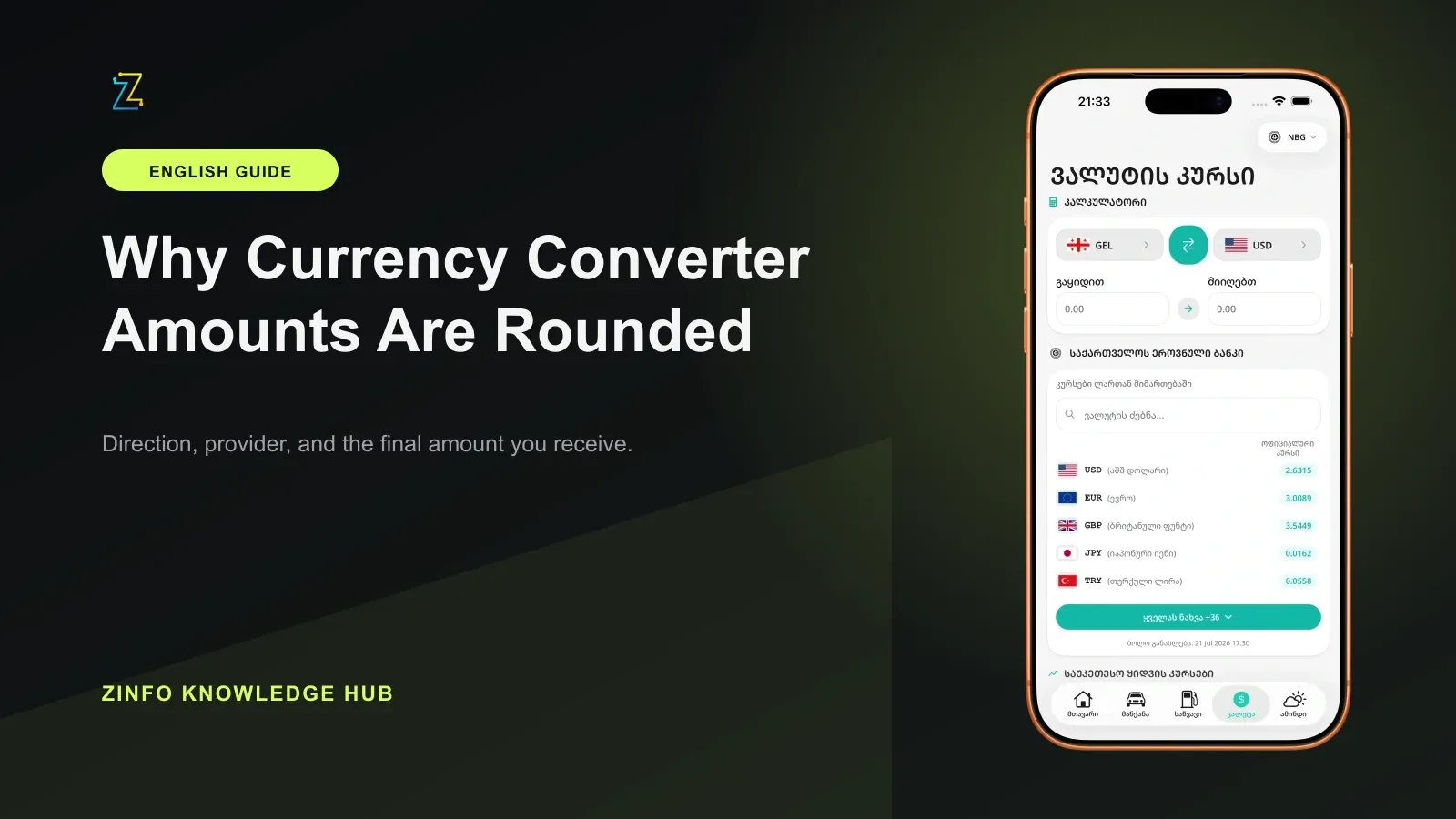
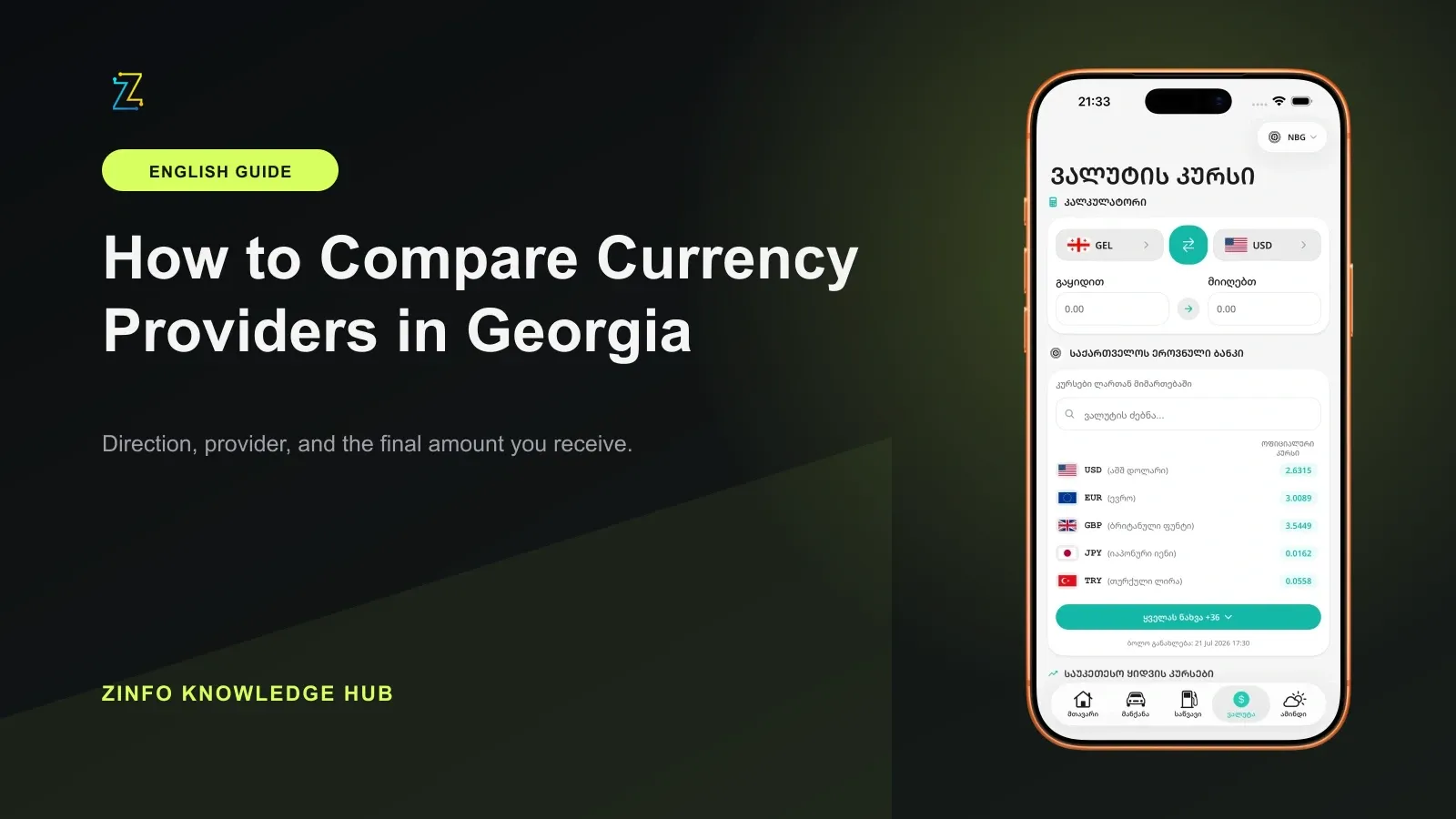
The currency and conversion area in ZINFO brings available buy and sell rates, conversion, and provider comparison into one workflow. This guide explains how to choose the correct direction, compare rates on equal terms, and estimate the final amount before confirming an exchange.
1. Start by identifying who buys the currency
The words "buy" and "sell" describe what the provider does. If you give foreign currency to a bank or exchange service, the provider buys that currency from you. You use its buy rate. If you give the provider Georgian lari and receive foreign currency, the provider sells that foreign currency to you. You use its sell rate.
The short rule is:
- You hand over foreign currency and receive GEL: use the buy rate
- You hand over GEL and receive foreign currency: use the sell rate
Instead of memorizing labels in isolation, ask one question: who receives the foreign currency? When the provider receives it, the provider is buying. When you receive it, the provider is selling.
The two directions can show different rates for the same currency at the same provider. Any spread, fee, and final condition must be checked for the transaction you plan to make.
2. Apply both directions to a simple example
Suppose you already have U.S. dollars and want Georgian lari. You hand over dollars, so the provider is buying dollars from you. The dollar buy rate is the relevant number. With all other terms equal, a higher buy rate gives you more GEL for each dollar.
Now reverse the situation. You have GEL and want to buy dollars. The provider is selling dollars to you, so you use the dollar sell rate. With all other terms equal, a lower sell rate means you spend less GEL for the same amount of dollars.
On the currency rates page, choose the transaction direction before comparing numbers. A higher rate is not always better, and a lower rate is not always better. The useful comparison depends on whether you are selling or buying the foreign currency.
This distinction matters even when an interface offers a quick reverse button. Reversing the currency pair can also reverse the economic direction, so check the labels again instead of assuming the same rate still applies.
3. Official and commercial rates answer different questions
The National Bank of Georgia calculates the official GEL rate against the U.S. dollar each business day from a weighted average of eligible interbank transactions. The announced rate takes effect the following day. Rates against other currencies use the relevant cross rates. Check the effective date as well as the value when using this reference for accounting or another official purpose; the day you open the page is not necessarily the calculation day.
A commercial buy or sell rate answers a different question: on what terms will a specific provider buy or sell a currency at a particular time? That is why the official rate can differ from the commercial rate shown at a branch, in an app, or by an online service. For a practical exchange, review the current direction and full terms of the provider you expect to use.
The National Bank's commercial-rate page also warns that provider information can change at any time and that customers should confirm the current rate and applicable conditions directly with the selected bank before transacting.
Treat the official rate as context, not as a promise that every provider will exchange cash or account balances at that number. It can help you understand the market reference while the provider's buy or sell quote determines the displayed transaction estimate.
4. Why there is no single universal best rate
At 09:59 Asia/Tbilisi time on August 6, 2026, an automated sanitized receipt sampled supported USD, EUR, and GBP data from ZINFO's production system. The sample included commercial buy and sell directions plus separate National Bank reference values. No authentication values were recorded, and the National Bank reference was excluded from commercial provider ranking.
In that point-in-time sample, the strongest displayed provider depended on both the currency and the transaction direction. This is not a permanent ranking or a provider recommendation. It supports a practical conclusion: "best rate" is not one universal question. It means the best available displayed rate for a specific currency, a specific direction, and a reasonably comparable update time.
Use the best buy and sell comparison as a starting filter, then confirm the final terms with the provider. A provider that looks strongest for buying one currency may not be strongest for selling it, and it may not lead for another currency.
The method also avoids mixing the National Bank's official reference with commercial ranking. Those values serve different purposes and should remain visibly separate in a responsible comparison.
5. Calculate the full amount consistently
Rates become easier to compare when you calculate the amount you actually plan to exchange instead of judging a unit rate alone. The formulas below assume the quote is GEL per one unit of foreign currency and exclude fees. If a source quotes a group of units, first divide the displayed rate by that quantity. Then confirm the fee currency and whether charges are taken before or after conversion; ask the provider for the total paid and the net amount received.
When you sell foreign currency and receive GEL:
GEL received = foreign currency amount × buy rate
When you spend GEL to buy foreign currency:
Foreign currency received = GEL amount ÷ sell rate
Use the same starting amount for every provider. Do not compare a result based on 100 units at one provider with a result based on GEL 1,000 at another. The ZINFO currency converter helps you keep the amount and direction consistent and reverse the calculation when needed.
For example, if your goal is to receive a fixed amount of foreign currency, calculate how much GEL each provider would require under its sell rate. If your goal is to exchange a fixed amount of foreign currency into GEL, calculate the GEL each provider would return under its buy rate. The comparison should match the real goal of the transaction.
Keep enough decimal precision during the comparison, then use the provider's own final rounding rules. Rounding too early can hide a small difference, especially for a larger transaction.
6. Compare the complete transaction, not only the rate
An attractive displayed rate may not describe the complete result. A provider can have a commission, minimum or maximum amount, different cash and account rates, different branch and digital terms, operating-hour limits, or limited availability of a particular currency.
Check these items together:
- The rate's update time
- Minimum and maximum transaction amounts
- Commission and other charges
- Cash or non-cash transaction type
- Branch, app, or online channel conditions
- Availability of the selected currency
- The final amount before confirmation
When the difference between two displayed rates is small, a fee or channel condition can reverse the apparent advantage. Calculate the net result after known costs instead of choosing from one headline number.
Travel time and access can matter too. A slightly stronger rate at a distant branch may not be the better practical choice if reaching it adds meaningful time or cost. The right comparison includes the conditions that matter to your actual transaction.
7. Use a repeatable ZINFO workflow
Follow the same five steps each time:
- Select the foreign currency and decide whether you are selling it or buying it.
- Open the matching buy or sell direction.
- Compare providers with reasonably similar update times.
- Calculate every option using the same starting amount.
- Confirm the rate, fees, limits, and availability with the selected provider before transacting.
Saving frequently checked currencies and providers can make later comparisons faster. A favorite is a shortcut, not a guarantee that the provider remains the strongest option. Rates and transaction conditions change, so every real exchange needs a fresh check.
If the screen was left open for a while, refresh the data before making the final calculation. A comparison is only as useful as the timestamps and conditions behind it.
8. Understand the limits of a rate comparison
Use a comparison tool to prepare a decision, not as a guarantee of execution. A rate can update after you open the screen. Some providers do not use the same rate across every channel, and transaction limits or other conditions may apply.
This guide explains transaction direction and calculation method. It is not financial advice and does not predict how a currency will move. If an exchange has legal, tax, accounting, or business consequences, check the applicable official rule or consult an appropriate professional.
The point-in-time ZINFO sample described above is evidence for the comparison method, not a current quote for a future transaction. It intentionally avoids publishing provider rankings or volatile rate values that could be mistaken for lasting guidance.
Final checklist
- I know whether I am selling or buying the foreign currency
- I selected the correct buy or sell rate
- I compared similar update times and the same starting amount
- I kept the official reference separate from commercial rates
- I included commissions, limits, and channel conditions
- I will confirm the final rate with the provider before exchanging
With that process, two rate columns become a clear decision workflow. You can browse all ZINFO features or return to the knowledge hub for more practical guides about everyday financial, vehicle, and utility tasks in Georgia.
Sources
- Currency exchange rates · National Bank of Georgia · 2026-09-13
- Foreign Exchange Rate · National Bank of Georgia · 2026-09-13
- Currency and conversion · ZINFO · 2026-09-13