Currency exchange rates
Review available GEL, USD, EUR, and other rates by provider.
Check available buy and sell rates for commonly used currencies and switch between supported banks or rate providers.
ZINFO features
Reading an exchange rate correctly starts with the direction of the transaction. A provider's buy and sell rates describe different sides of the exchange.
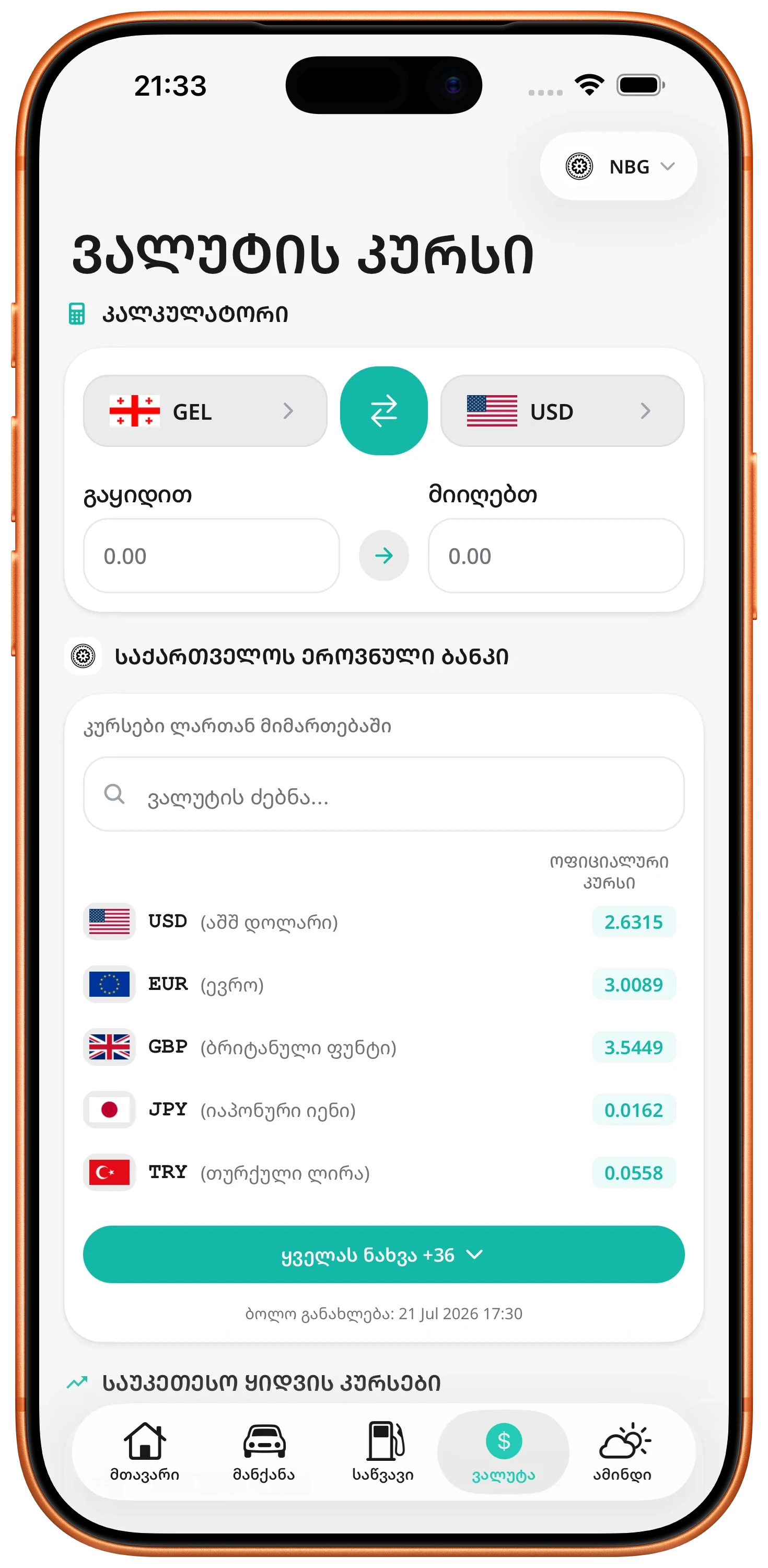
ZINFO lets you compare available buy and sell rates, convert an amount, reverse the direction, and save frequently used currencies and providers.
01
Review available GEL, USD, EUR, and other rates by provider.
Check available buy and sell rates for commonly used currencies and switch between supported banks or rate providers.
Convert an amount between supported currencies using the selected rate.
Choose the currencies and provider you need, enter an amount, and quickly reverse the direction of the conversion when useful.
Compare available providers to find stronger buy or sell rates.
Review available rates side by side to identify the most favorable displayed option for buying or selling a selected currency.
Save frequently used currencies and providers for faster access.
Personalize the currency screen around the currencies and supported financial providers you check most often.
02
Decide whether you are giving or receiving the foreign currency before choosing the rate.
Use provider rates with reasonably similar update times.
Include any commission, limits, and provider-specific conditions.
03
A displayed rate may change before the transaction. Confirm final terms with the selected provider.
A positive calculation can display as zero, and separately rounded amounts can add up differently from one combined conversion.
Read the guide
There is no permanent best provider. The useful choice depends on the currency, transaction direction, timing, and complete terms.
Read the guide
Rate labels use the provider's viewpoint: the buy rate applies when you sell foreign currency, while the sell rate applies when you buy it.
Read the guideFree to download. Optional paid plans are available inside the app.