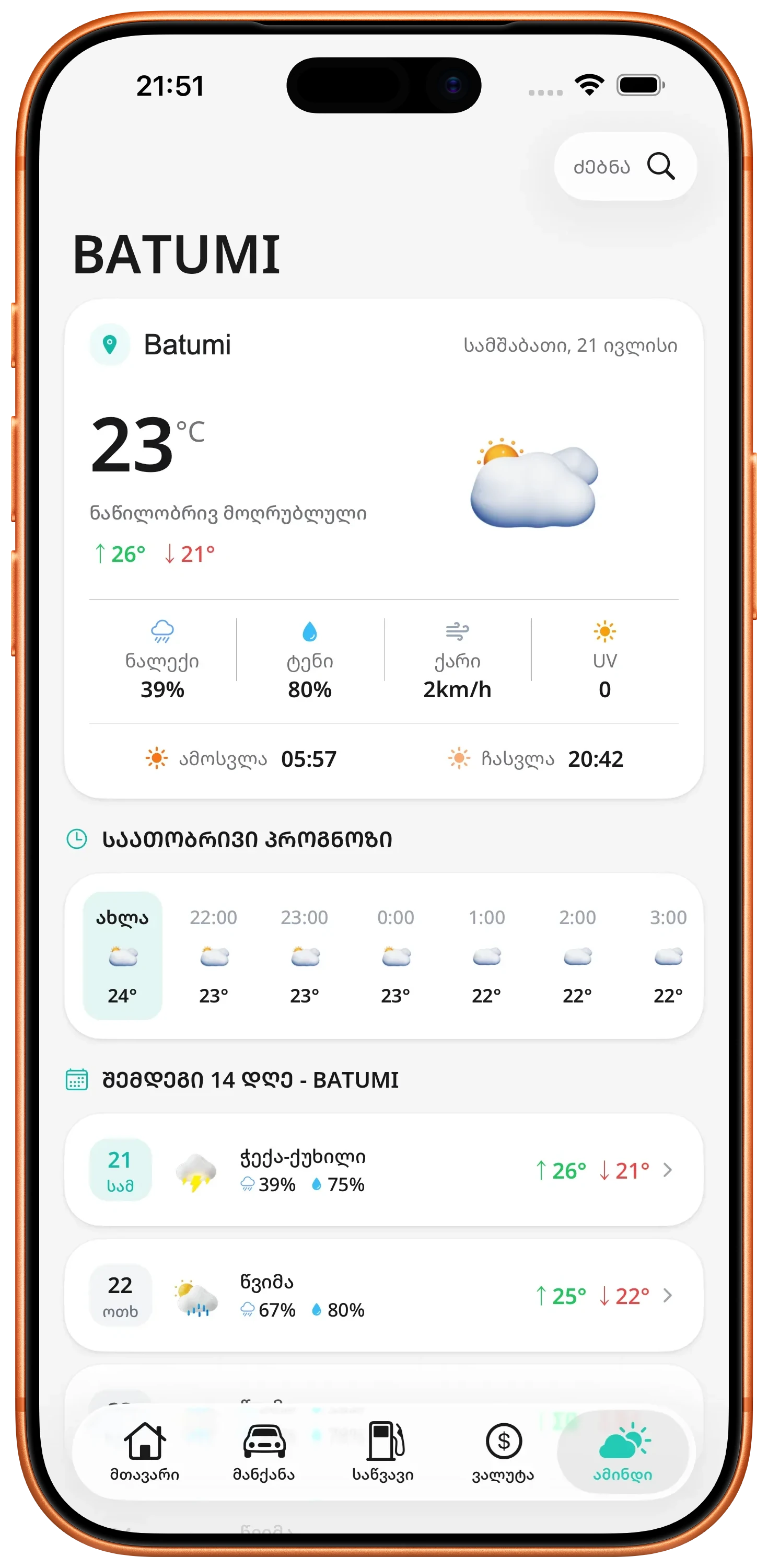
Current weather
See current conditions for your location or a searched city.
Review available temperature, high and low, humidity, wind, UV, precipitation chance, sunrise, sunset, and other local conditions.
ZINFO features
Weather forecasts and internet tests both describe conditions at a particular time. One city or one test does not always represent a full day, route, or network.
ZINFO includes current conditions, hourly and 14-day forecasts, city search, and a connection test for download, upload, ping, and jitter.
01
See current conditions for your location or a searched city.
Review available temperature, high and low, humidity, wind, UV, precipitation chance, sunrise, sunset, and other local conditions.
Plan the day and the weeks ahead with detailed forecasts.
Use the hourly view for near-term planning and the 14-day view for a broader outlook, with the available temperature and condition details for each period.
Search a city or compare available weather across Georgia.
Use current location, search for another city, or browse the available overview of Georgian cities to check conditions elsewhere.
Measure download, upload, ping, and jitter on the current connection.
Run a connection test to review core speed and responsiveness measurements, along with the detected connection type and an overall quality indication.
02
Confirm the city for weather and whether the test is using Wi-Fi or mobile data.
Pair temperature with rain and wind, and pair speed with ping and jitter.
Compare more than one time or location when planning travel or diagnosing a network problem.
03
Forecasts and connection tests are estimates. Use relevant official warnings for safety-critical decisions.
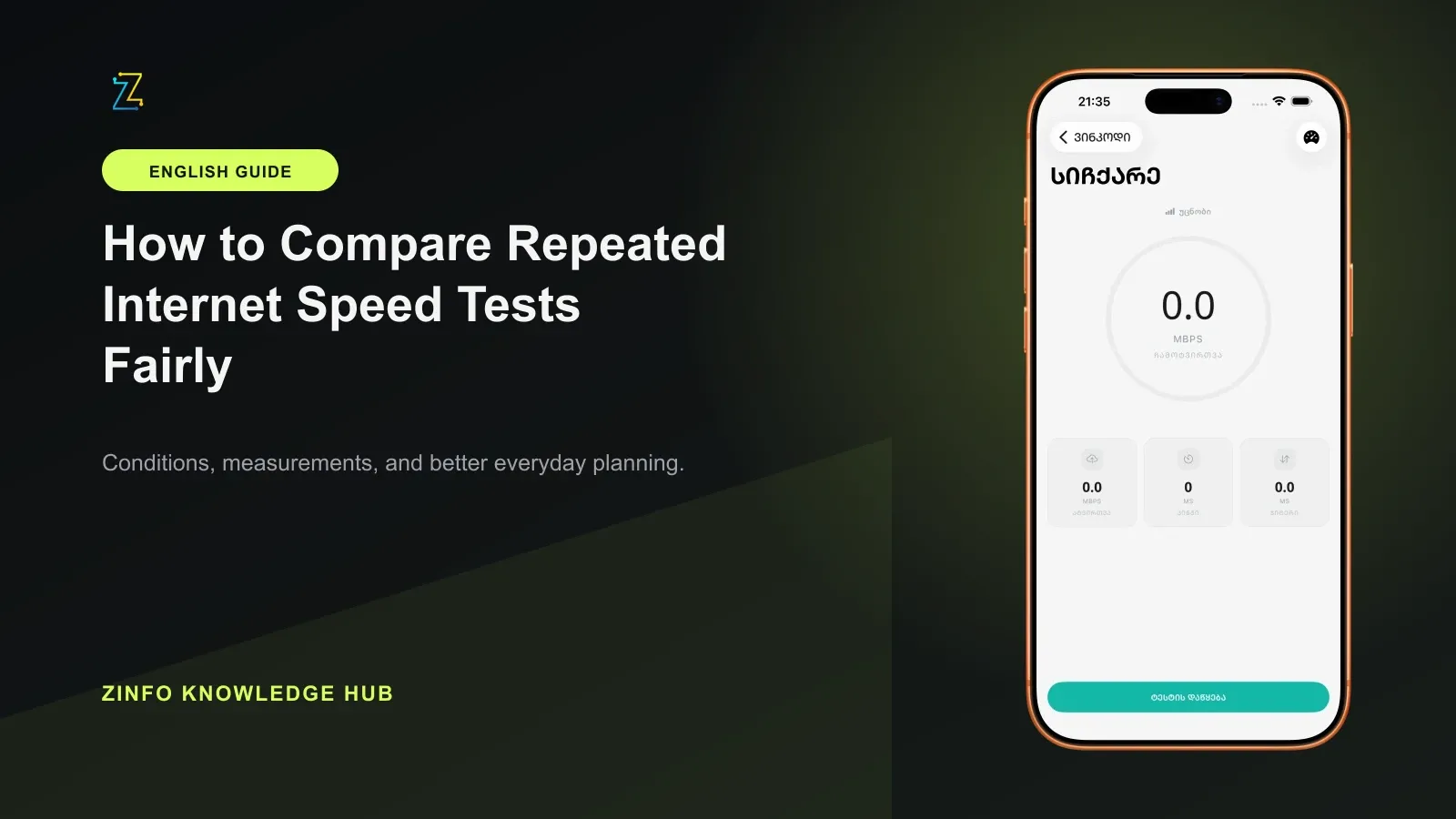
Keep the conditions consistent, retain every attempt, and compare the middle and spread before deciding whether a connection improved.
Read the guide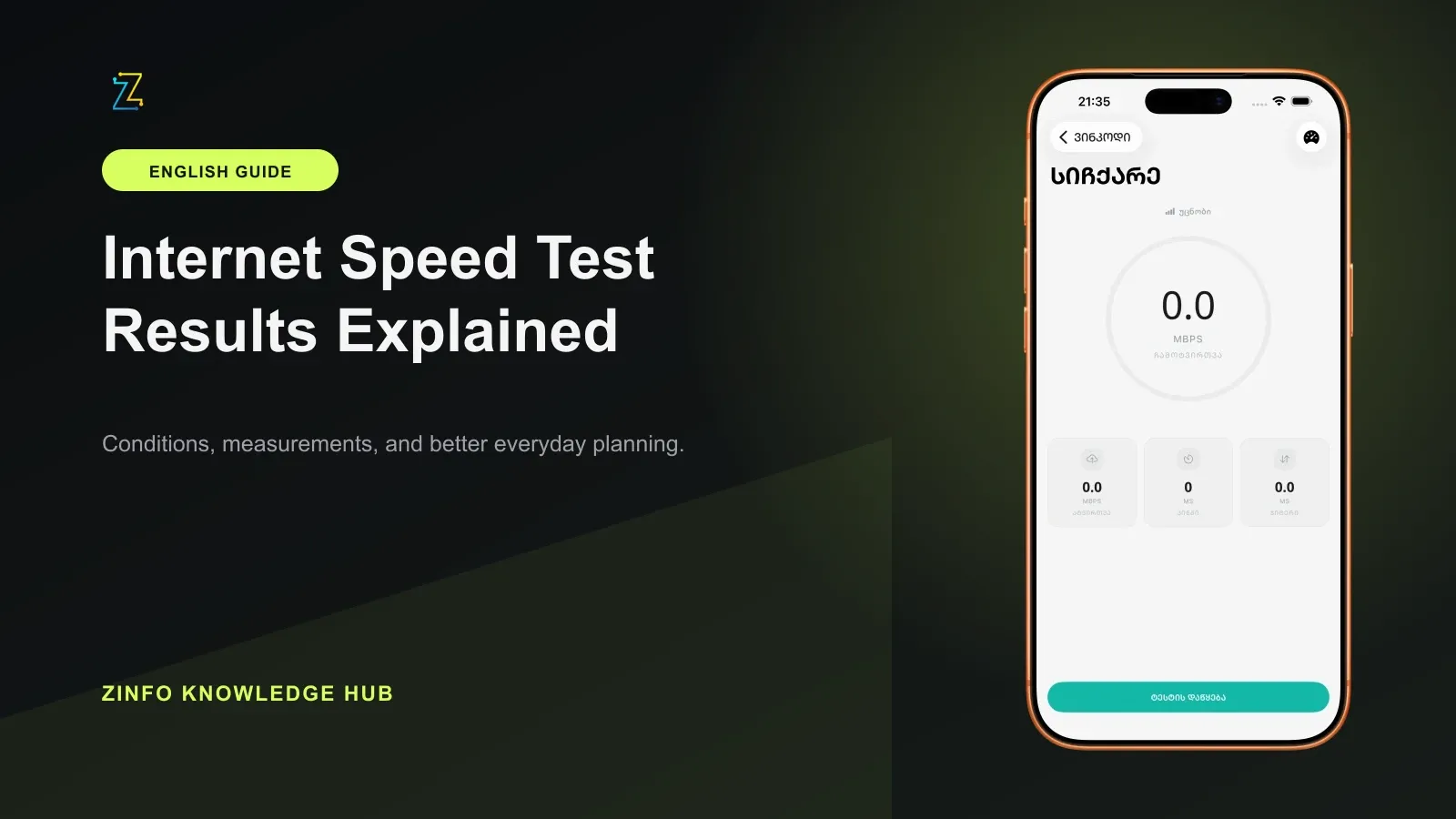
One large number cannot describe a connection. Read direction, units, delay, and variation together after the test has finished.
Read the guide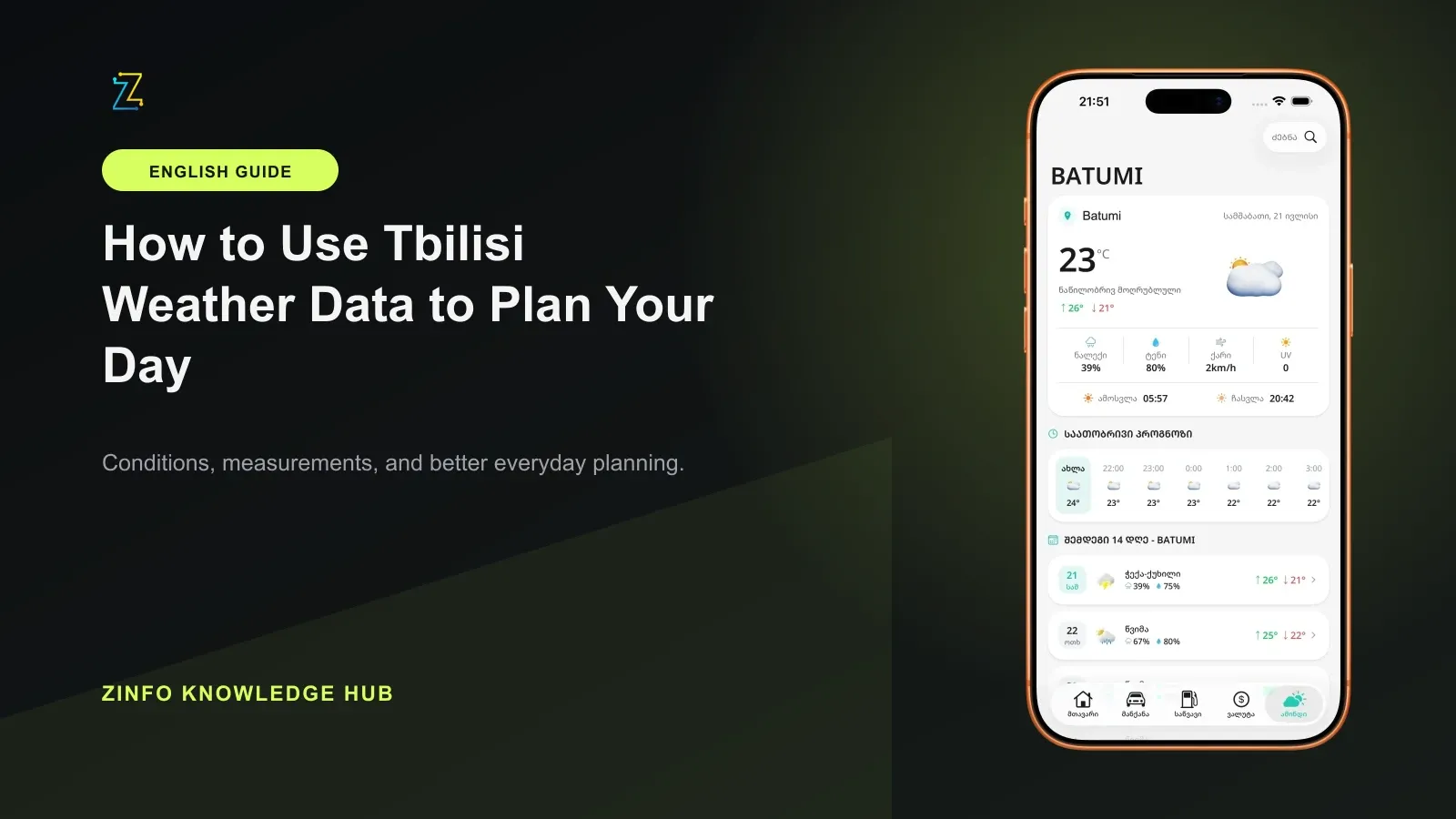
A useful plan needs more than one temperature. Check the location, update time, hourly change, precipitation chance, and any relevant official warning.
Read the guideFree to download. Optional paid plans are available inside the app.