Comparing fuel prices can look simple: find the smallest number and choose that station. A useful real-world comparison needs a little more context. Networks may use different product names, grades, update times, and locations. If those factors are not aligned, the cheapest-looking option may not be the cheapest practical choice.
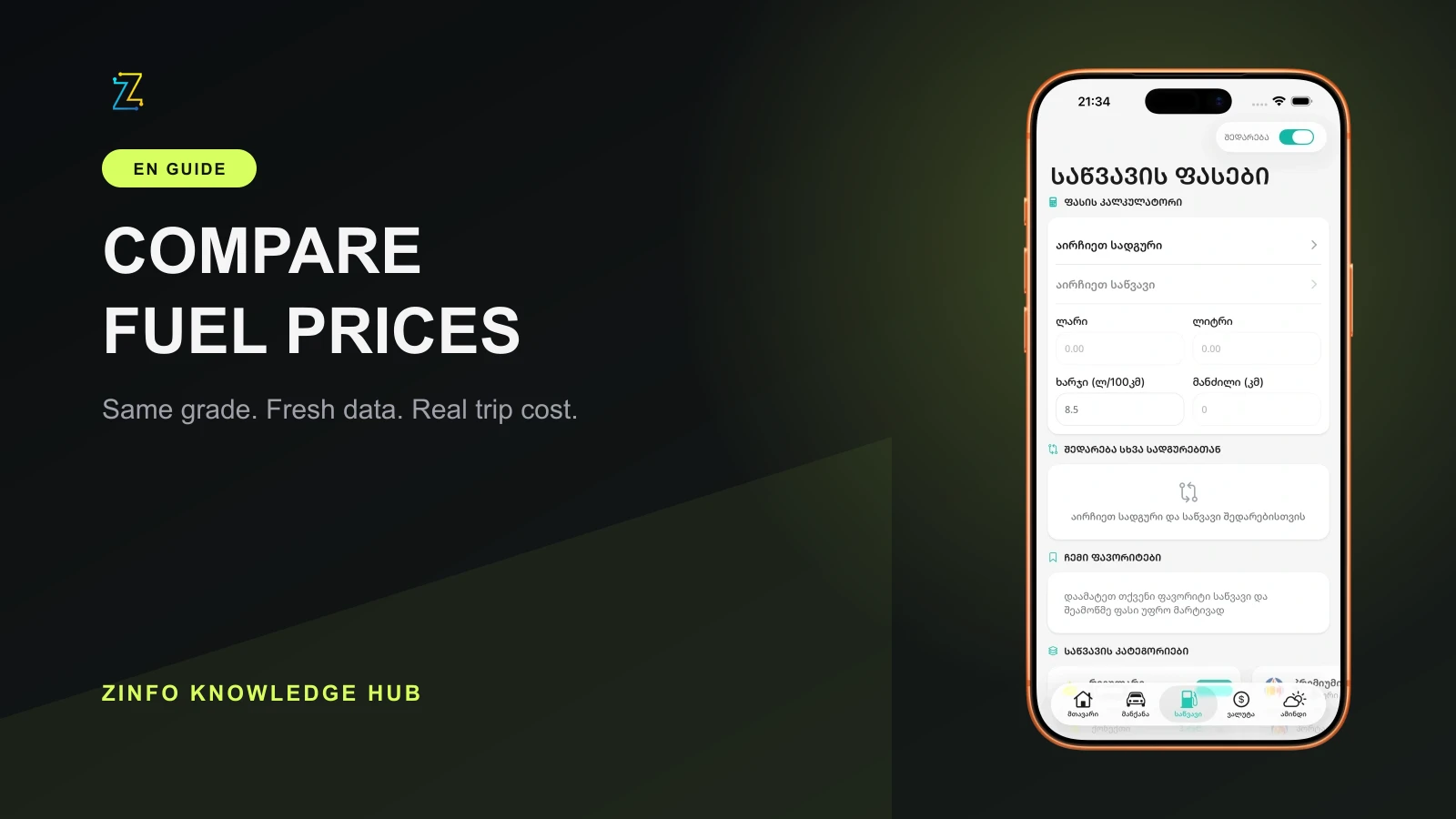
The fuel and station tools in ZINFO bring available prices from supported networks together with a calculator, locations, favorites, and price history. This guide shows how to turn that information into a repeatable decision instead of relying on one number.
1. Compare the exact same fuel
Start by matching the fuel category. Compare regular with regular, premium with premium, and diesel with diesel. Product branding can vary between networks, so a similar name does not always mean an equivalent product. Check the category and octane rating when they are available.
If the vehicle manufacturer requires a minimum octane rating, use that requirement as the starting point. Choosing an unsuitable grade because it has a lower displayed price is not a useful saving. Confirm the permitted fuel in the vehicle manual or reliable technical documentation.
A clean comparison uses the same four inputs:
- The same fuel category
- The same or an appropriate octane rating
- Similar update times
- The same quantity or budget
2. Check when the price was updated
Fuel prices can change, so an older record and a recently updated record should not carry the same weight. Check the update time when it is shown. This matters most when the difference between two options is small.
For example, if one price was updated today and another was updated several days ago, treat the older one as an initial lead rather than a confirmed current price. Verify the final amount at the selected station, especially before a large fill.
ZINFO presents available data from supported sources. It makes the comparison easier, but the station display or point of sale remains the best confirmation of the final current price.
3. Calculate the whole fill, not only one liter
A small difference per liter becomes easier to understand when it is applied to the amount you actually plan to buy. If you expect to add about 40 liters, calculate both options using 40 liters.
The basic calculation is:
Total cost = liters needed × price per liter
If the budget is fixed, reverse the calculation:
Liters received = available budget ÷ price per liter
The ZINFO fuel calculator handles both directions. Select the fuel and station, then enter money or liters. Using the same input gives you a fair basis for comparing several choices.
4. Include the drive to the station
The lowest price per liter does not always produce the lowest final cost. A special trip to a distant station consumes fuel and time. When the displayed difference is small, a nearby station may be the more rational choice.
Use this quick method:
- Estimate the extra round-trip distance to the station.
- Use the vehicle's realistic average consumption per 100 kilometers.
- Calculate the fuel needed for that extra distance.
- Subtract the extra travel cost from the saving on the fill.
If the expected saving is smaller than the extra travel cost, the lower price per liter may cost more overall. Time, traffic, and whether the station is already on your route also belong in the decision.
5. Use realistic consumption for trip planning
The consumption listed in a vehicle specification and the number you see in daily driving may differ. City traffic, temperature, tires, load, road conditions, and driving style can all change the result.
For a trip estimate, use a recent real average when possible. If the vehicle usually consumes 8 liters per 100 kilometers, a 300-kilometer trip starts with an estimate of 24 liters. Add a sensible reserve based on the route and conditions.
A calculator does not make the decision for you. Its value is consistency: every option is measured with the same assumptions, so the comparison is easier to trust.
6. Save favorites, then review them
Favorites save time when you regularly compare the same networks or fuel products. A saved station is not automatically the best choice forever. Prices, locations, and your route can change.
A practical routine looks like this:
- Save two or three networks you genuinely use
- Compare the exact fuel grade you need
- Check the update time
- Calculate the planned quantity
- Confirm the final price at the station
Price history can add useful context about previous movement, but a past change is not a forecast. Use history to understand context, not as a promise of what the next price will be.
A simple example
Imagine that you need 45 liters. One station is slightly cheaper per liter, but reaching it adds 14 kilometers to the trip. First calculate the total cost of 45 liters at both stations. Then estimate the cost of the extra 14 kilometers using the vehicle's real consumption.
That comparison shows the full effect of the choice, not only the difference displayed on a sign. Always use the prices available at the time of the decision because current values can change.
Work through the extra-trip calculation
Use an illustrative example, not a current price quote. Suppose the difference is 0.05 GEL per liter and you need 45 liters. The saving on the fill is 45 × 0.05 = 2.25 GEL. An extra 14 kilometers at an assumed consumption of 8 liters per 100 kilometers needs 1.12 liters. At an assumed price of 3 GEL per liter, that extra drive costs 3.36 GEL.
Under those assumptions, the detour costs 1.11 GEL more than the saving, before accounting for time. Replace every assumed number with your route, recent consumption, and confirmed station price. If the station is already on your planned route, the extra distance may be zero, which changes the decision. The comparison is useful because the assumptions are visible and can be changed.
Final checklist
- The fuel category and grade match
- The compared update times are acceptable
- The full quantity or budget has been calculated
- Extra travel cost has been included
- The final station price will be confirmed
Following these checks makes a fuel comparison more useful and repeatable. You can also browse every ZINFO feature or return to the knowledge hub for practical guides about vehicles, currency, fines, and other everyday tasks in Georgia.
Sources
- Fuel and stations in ZINFO · ZINFO · 2026-09-10
- Zinfo - Jarimebi, Nomrebi · Apple App Store · 2026-09-10
- ZINFO official Android listing · Google Play · 2026-09-10