Identifying an unknown caller is not the same as reading a name from the screen. A reliable decision uses three separate steps: look up the number, interpret the available result, and verify the caller through an independent channel. ZINFO can provide useful context for the first two steps, but a displayed person or business name does not prove who is actually making the call.
The caller and number tools in ZINFO combine manual Georgian mobile number lookup, live caller ID setup on supported devices, and a correction path for information that appears inaccurate. This guide shows how to use those tools without turning a helpful clue into a final identity check.
1. Preserve the call context first
If you do not answer immediately, record the number exactly as your phone displays it. Keep the date, time, call duration, and whether the caller tried more than once. If a voicemail or text message arrived, read it for context, but do not open an unfamiliar link or automatically call a number included in the message.
Avoid posting the number publicly to ask strangers who owns it. An unfamiliar number can belong to a private person, a new colleague, a courier, a clinic, or an organization whose contact you have not saved. Use only the information needed to assess your own call.
Start with a few practical questions:
- Were you expecting a call at that time?
- Did the same organization send a notice through an account or app you already use?
- Is the caller demanding immediate action, money, or personal information?
- Does the number format fit the country or organization the caller claims to represent?
- Does the message contain details that only sound official, or details you can verify independently?
This context matters because a lookup result is more useful when you can compare it with something you already know.
2. Search the number manually in ZINFO
Open phone number lookup, enter the Georgian mobile number, and wait for the search to finish. Depending on available matching information, the result may show one or more names connected with a caller or business. When supported, actions for calling or messaging from the result may also be available.
Do not read the result as a certification. If several names appear, they may not be equally current or equally relevant. If a business name appears, compare it with the organization you expected to hear from. If nothing appears, the result means that matching information was not returned. It does not make the number safe, dangerous, new, or fake by itself.
Manual lookup is especially useful after a missed call because you have time to compare the result with your calendar, delivery status, application, booking, or existing conversation. Make that comparison before deciding whether to answer, call back, or verify the organization another way.
If the caller left a reference number, order number, or appointment detail, open the relevant official service yourself and check whether the detail exists. Do not use a login link supplied by the unknown caller when you can reach the same service from its known app or website.
3. Enable live caller ID on a supported device
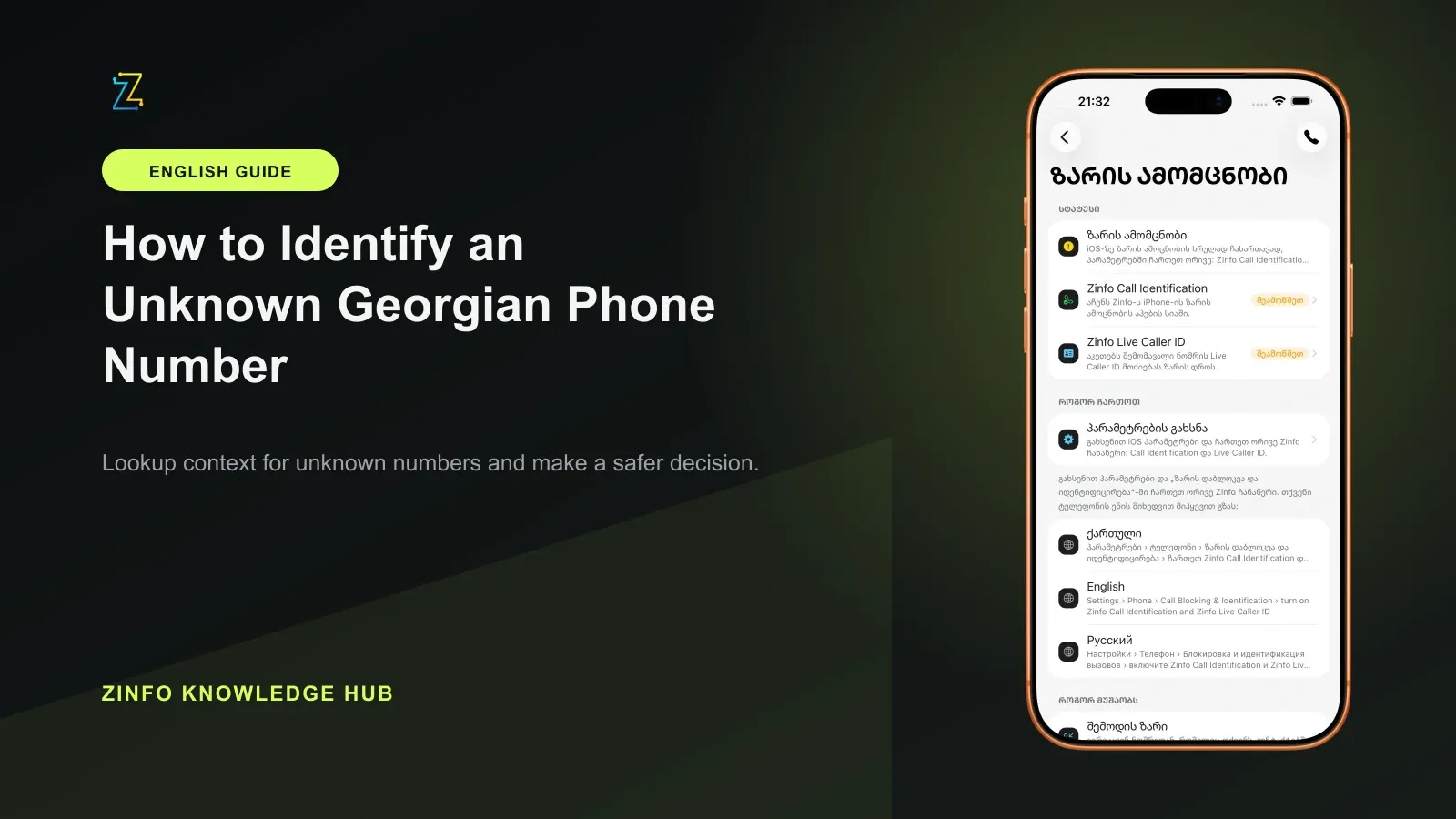
Live caller ID can show available matching caller information during an incoming call when the device, operating system, setup, and required permissions are supported. ZINFO currently supports iPhone on iOS 18 or later and compatible Android devices on Android 10 or later. A supported operating system does not guarantee that every device configuration or every number will return a match.
On iPhone, Apple's official screen and block calls guide places supported call identification apps under Settings, Apps, Phone, Call Blocking & Identification. Open the setup screen in ZINFO, continue to the relevant Phone settings, and enable the ZINFO caller identification option shown on your device. Exact menu wording can vary by iOS version and language. Apple lists Business Call Identification separately from Call Identification apps. Enabling the business option alone does not enable ZINFO: check the ZINFO entry among the supported apps. Settings for screening or silencing unknown numbers control how calls reach you and should be reviewed separately from caller identification.
On Android, caller identification uses the system call screening role. The Android Developers RoleManager reference describes ROLE_CALL_SCREENING as the call screening and caller ID role and notes that it was added in API level 29, which corresponds to Android 10. Follow the setup sequence shown inside ZINFO, approve only the permissions requested for the feature, and confirm that its status becomes active. Menu location and presentation can differ by manufacturer.
If live caller ID does not activate, check the operating system version, the status displayed in ZINFO, and the relevant device permissions. Manual number lookup can still be used when the live feature is unavailable. Turning off a required permission can stop the related feature from working.
4. Treat a displayed name as context, not identity proof
The ZINFO privacy policy explains that caller and directory results can come from users, public sources, businesses, or other lawful sources. A result can be incomplete, outdated, or incorrect and should not be treated as proof of identity.
Use the result with these rules:
- A matching name is one supporting signal, not final verification.
- A mismatch between the displayed name and the caller's story is a reason to pause.
- Several names do not invite you to choose the one that sounds most plausible.
- No result does not establish that the number is safe or suspicious.
- A familiar organization name does not prove that the current request is legitimate.
- Urgency should increase verification, not reduce it.
The most useful comparison is with independent context: an expected delivery in an official account, an appointment already visible in a clinic portal, a support ticket you created yourself, or a contact saved from an earlier verified interaction.
Caller information also has a limited job. It can help you decide how cautiously to handle the call, but it cannot confirm a contract, authorize a payment, establish a debt, or prove that a person has the role they claim.
5. Verify an organization through a separate official channel
If a caller says they represent a bank, government agency, delivery company, clinic, marketplace, or another organization, do not rely only on the displayed caller name. End the call and find the organization's official number in its known app, official website, contract, statement, or the back of a payment card. Contact the organization yourself and ask whether it attempted to reach you and whether the stated request is real.
The National Bank of Georgia's consumer warning of 15 April 2022, reviewed again for this guide, describes cases in which unknown people contacted consumers and sent suspicious links requesting personal or card information. Do not enter card details, passwords, one-time codes, or unrelated personal information into a page supplied during an unverified call. ZINFO's own privacy guidance likewise advises users not to send passwords, one-time codes, or full payment card details to support.
Pause immediately if the caller:
- Demands a payment or transfer before you can verify the request
- Uses fear about an account, fine, parcel, or service cutoff to create urgency
- Directs you to install an app or open a link they provide
- Requests a password, one-time code, full card details, or remote device access
- Insists that you must stay on the line while completing an action
- Discourages you from calling the organization's published number
Ending the conversation is not the same as ignoring a potentially important issue. It gives you a clean way to verify the issue without following the caller's instructions. If the matter is real, the organization should be able to confirm it through its established service channel.
6. Request a correction when information looks wrong
If a number result contains an inaccurate or outdated name, use information corrections. The suggestion is submitted for review, so the display may not change immediately. Whether and where a correction appears depends on the evidence available and the service path connected with that result.
Provide only the information reasonably needed for the correction. Do not attach another person's private conversation, identity document, contact list, or unrelated personal data merely to make a request look stronger. If the result concerns you and you want to ask about its source, correction, restriction, or removal, use the privacy contact described in ZINFO's privacy policy.
While a correction is under review, continue to treat the existing result cautiously. A pending request does not prove that the old value is wrong, and an unchanged screen does not prove that the value is current.
7. Decide separately whether to answer, call back, or block
Identifying a number does not mean that you must answer or return the call. Make three separate decisions based on the purpose, timing, repetition, voicemail, lookup result, and independent verification.
If you expected the call and the surrounding details align, you can answer while avoiding unnecessary personal disclosure at the start. If you did not expect the call but a business name appears, verify the organization through its official contact first. If the calls are repeated, abusive, or clearly unwanted, use the blocking and reporting controls provided by your phone.
Before calling back, check whether the number appears international or premium-rate when you expected a local call. If you are uncertain, contact the claimed organization through a published number instead of automatically returning the unknown call.
Do not let a single lookup result decide all three actions. You might decline the current call, verify the organization, and then contact it through a different number. That is often safer than calling back simply because a familiar label appeared.
8. Use a repeatable unknown-call routine
A short routine makes it easier to respond consistently when a call arrives at a distracting moment:
- Save the exact number, time, and message.
- Search the number manually or review the live caller ID result.
- Compare the result with an expected order, appointment, ticket, or contact.
- Treat the displayed name as a clue only.
- Verify any organization through a separate official channel.
- Refuse requests for credentials, codes, card data, or remote access.
- Correct inaccurate information when appropriate.
- Decide independently whether to answer, call back, report, or block.
This process is deliberately slower than trusting the first label on the screen. The small delay reduces the risk of acting on outdated directory data, a mistaken match, or an unverified request.
Final checklist
- I saved the exact number, call time, and accompanying message.
- I used manual lookup or reviewed the live caller ID result.
- I did not treat a displayed name as final proof of identity.
- I compared the result with an order, appointment, or other independent context.
- I verified the organization's request through its official contact channel.
- I did not enter personal, card, or authentication data through an unknown link.
- I used the correction path if the displayed information appeared inaccurate.
- I made separate decisions about answering, calling back, reporting, and blocking.
With this method, ZINFO provides an organized starting point while your independent verification controls the final decision. You can browse all ZINFO features or return to the knowledge hub for more practical guides about everyday services in Georgia.
Sources
- Caller and number tools · ZINFO · 2026-09-19
- ZINFO Privacy Policy · ZINFO · 2026-09-19
- Screen and block calls on iPhone · Apple Support · 2026-09-19
- RoleManager API reference · Android Developers · 2026-09-19
- NBG Warning for Consumers · National Bank of Georgia · 2026-09-19